How to Set Up Gnosis Safe Multisig Wallet Step-by-Step Guide

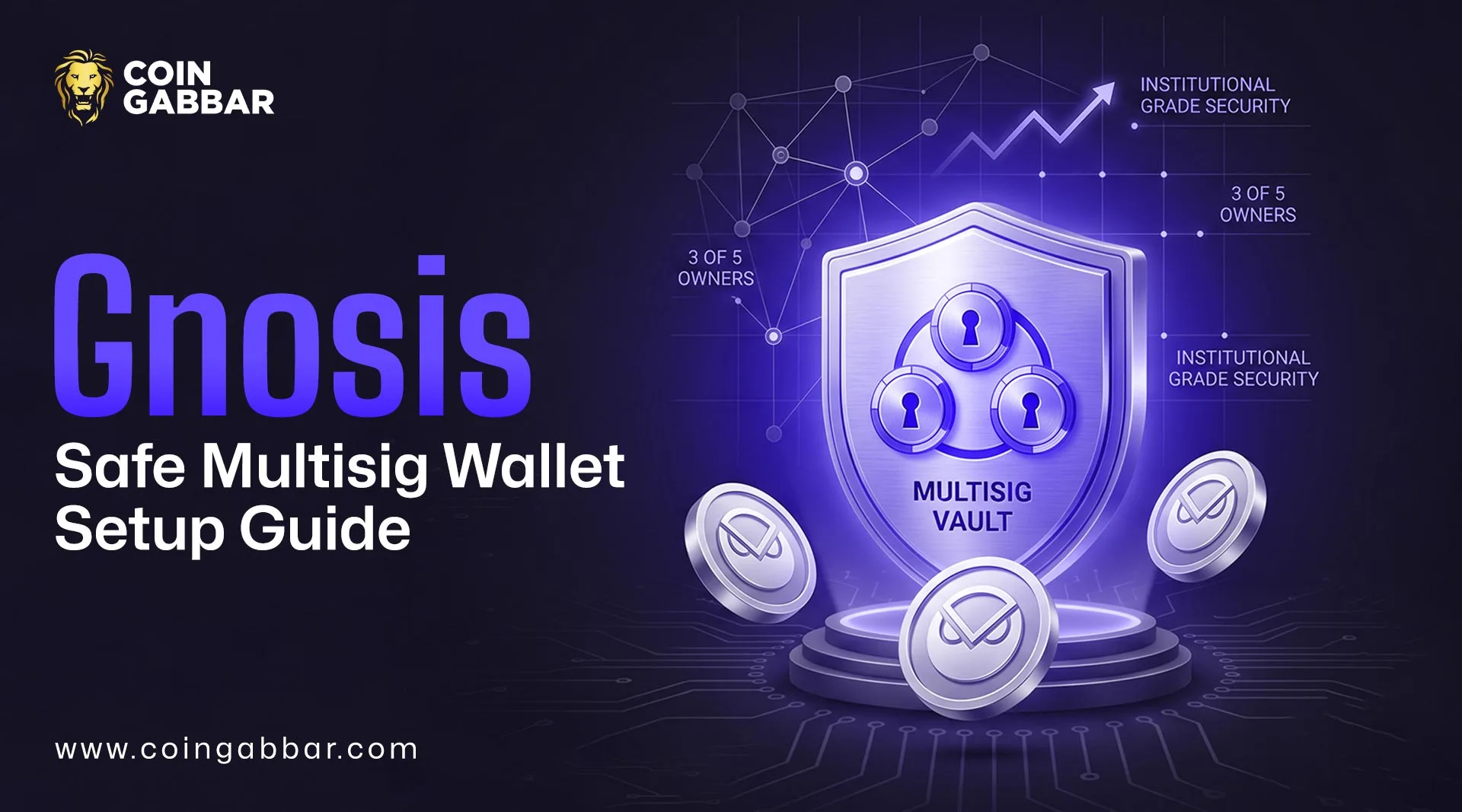
How to Use Gnosis Safe Multisig Wallet for Secure Fund Management?
Big crypto balances need better control. One key can fail. A Gnosis Safe multisig wallet cuts that risk by asking several owners to approve a transfer before it executes. Safe’s docs describe this model with owners, confirmations, and a threshold.
This guide shows how to deploy the wallet on Ethereum, add signers, pick a threshold, send funds, and use Safe for a treasury. If you have searched how to set up Gnosis Safe, this walk-through keeps the process simple. That is the point of this Gnosis Safe tutorial.
What Is a Gnosis Safe Multisig Wallet?
A multisig wallet needs more than one approval. Safe stores owners plus a threshold, which is the number of approvals needed before a transaction can execute. Safe says owners can be regular crypto wallets, smart accounts, or passkeys.
If you still wonder, what is multisig wallet, picture a locker with shared keys. One person starts the payment. Others review it. The Gnosis Safe multisig wallet only sends funds after the required owners confirm.
Why Multisig Matters for Large Holdings?
Large holdings should not depend on one person. A lost seed phrase can freeze access. A rushed payment can drain a treasury. A Gnosis Safe multisig wallet lowers both risks because one signer cannot move assets alone.
This matters for founder reserves, payroll wallets, and DAO treasuries. Safe’s site presents the product as a treasury tool for teams and Decentralized Autonomous Organisations with shared approvals. Many readers searching best multisig wallet land on Safe for that reason.
What You Need Before You Start?
Keep the prep simple. Each signer needs an Ethereum wallet. You need ETH for gas, a final owner list, and a clear threshold. Safe docs note that threshold owners must be loaded for operations, and one owner should have funds to send transactions.
Open the Gnosis Safe multisig documentation in another tab before you begin. It helps you check each screen. That habit matters with any Gnosis Safe wallet setup.
How To Deploy a Gnosis Safe Multisig Wallet on Ethereum?
Step 1: Connect Your Wallet
Go to Safe and connect your main wallet. Choose Ethereum as the network. Safe supports many chains, yet this tutorial stays on Ethereum.
Step 2: Create a New Safe
Click to create a new Safe. Give it a clear name like “Team Treasury.” A good label helps later.
Step 3: Add Owners
Enter each signer address. Check every address twice. Safe lets the account store any number of owners.
Step 4: Set the Confirmation Threshold
Pick how many owners must approve each payment. A small team often uses 2-of-3. A larger committee may use 3-of-5. The Gnosis Safe multisig wallet stores this number on-chain, and Safe says the threshold can be any value from one up to the full owner count.
Step 5: Review and Deploy
Read the owner list again. Check the threshold once more. Then approve deployment and pay gas. The Gnosis Safe multisig wallet is now live on Ethereum.
How To Choose the Right Signer Threshold?
Threshold choice shapes speed and safety. Lower numbers move faster. Higher numbers give tighter control. The Gnosis Safe multisig wallet works best when routine payments stay practical.
Use a simple guide:
2-of-3 for a small team
3-of-5 for a committee
4-of-7 for a larger reserve
Don’t set a number so high that one absent signer blocks daily work. Safe also lets owners change the threshold later.
How To Add or Change Signers Later?
People come and go. A signer may leave. A new finance lead may join. Safe’s docs show add owner flows, and those updates happen through a Safe transaction.
Write down the policy before you change anything. That habit helps all multisig wallets stay organized.
How To Fund the Safe and Check Your Setup?
After deployment, copy the Safe address and send a small test amount first. Then check the balance in the app. A Gnosis Safe multisig wallet is easier to trust after one clean test deposit.
Next, review the signer list and threshold again. Keep some ETH ready for future execution costs. If you ask, what is a multisig wallet doing here, the answer is simple: it slows risky moves before funds leave.
How To Propose, Approve, and Execute Transactions?
Step 1: Create a Transaction
Open the send screen. Enter the destination, crypto token, and amount. Add a short note if needed. Safe’s transaction guides break the flow into create, sign, propose, confirm, and execute.
Step 2: Collect Approvals
Other owners review the request. If they agree, they sign it. The Gnosis Safe multisig wallet will not move funds until the threshold is met. Safe’s transaction service can collect off-chain signatures before execution, which can save gas.
Step 3: Execute the Transaction
Once enough approvals are in place, one owner executes the payment. That final action sends it on-chain. This also explains how does multisig work for beginners: propose first, approve next, execute last.
How DAOs Use Safe for Treasury Management?
DAOs need money rules people can follow. Safe markets its team product around treasury management, role controls, spending policies, and multisig approvals across networks. That makes the Gnosis Safe multisig wallet useful for grants, payroll, reserves, and vendor payments.
A smart setup often splits funds into two Safes. One handles daily spending. Another holds long-term reserves. This is why teams compare multisig wallet options before moving treasury funds.
Common Mistakes To Avoid With a Gnosis Safe Multisig Wallet
The first mistake is poor signer choice. The second is a weak threshold. The third is moving large funds before a test run. A Gnosis Safe multisig wallet lowers risk, yet setup quality still matters.
Avoid these errors too:
adding inactive owners
using the wrong network
approving too fast
skipping written policy
Many Gnosis Safe guides focus on clicks only. Your real edge comes from process.
Final Thoughts:
A Gnosis Safe multisig wallet is not just a place to store coins. It is a control system for shared funds. Safe’s docs and product pages show why teams, DAOs, and treasury operators use it for approvals, role design, and oversight.
Start small. Test everything. Then move larger balances with confidence.
Disclaimer: This guide is for educational purposes only, not financial or security advice. Always verify wallet addresses, signer settings, and Safe steps before moving funds.