How to Use Crypto.com App 2026 Step-by-Step Guide

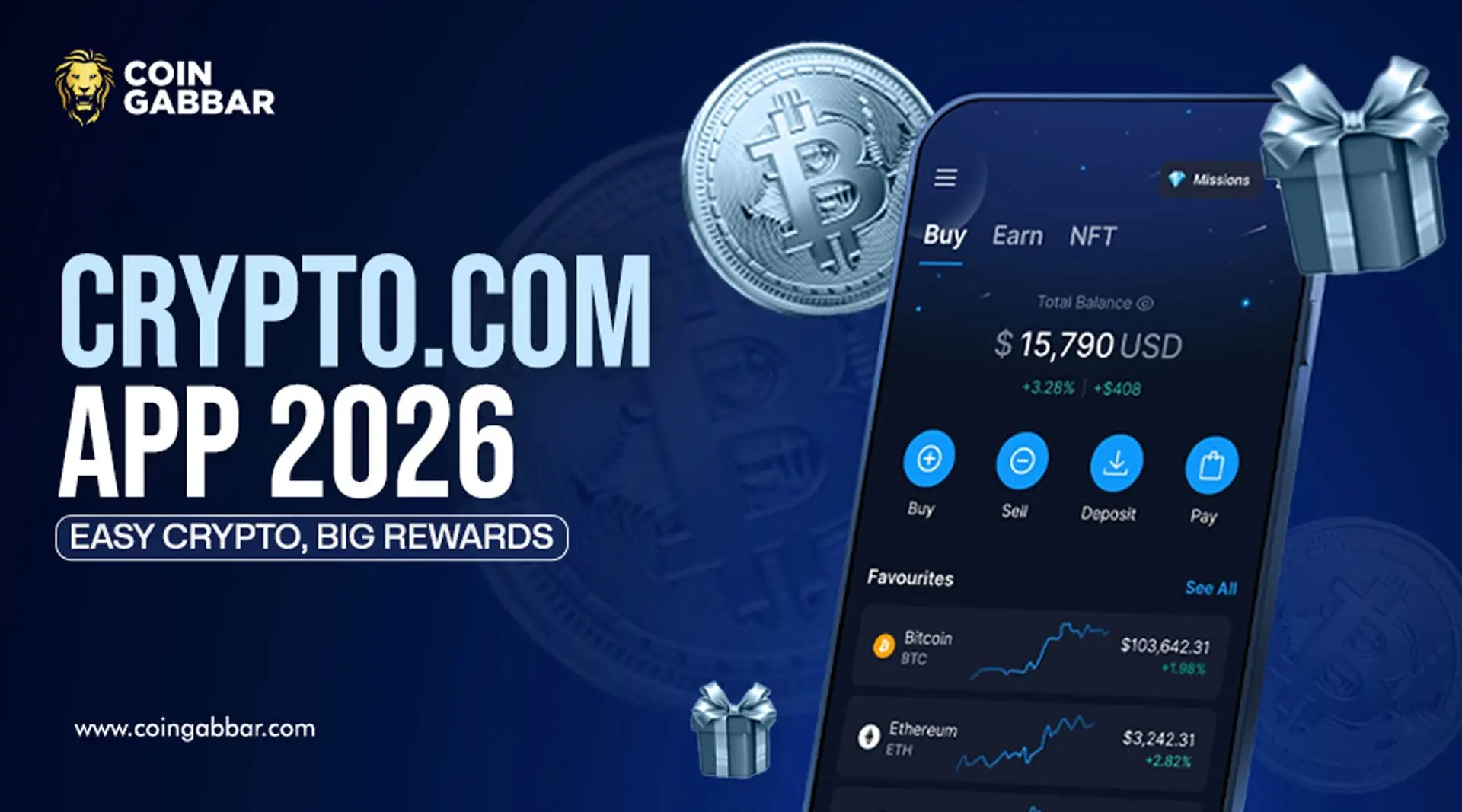
Crypto.com App Guide 2026: Features, Wallet and Earn Options
Want one place to buy crypto, store it, bridge it, and explore DeFi?
The Crypto.com App tries to do that. Crypto.com says its platform now serves more than 150 million users globally. The company also says the app supports 400-plus cryptocurrencies, while its Onchain wallet supports assets across chains like Ethereum, Bitcoin, Solana, and Cronos.
This guide shows you how the Crypto.com App works in 2026. You’ll learn onboarding, KYC, buy and sell steps, CRO rewards, DeFi wallet setup, Cronos bridging, NFT use, and earn choices. It is built as a Crypto.com tutorial for first-time users who want clear steps, not hype.
Start simple. Learn the tools first.
First, What Does the Crypto.com App Actually Do?
The Crypto.com App is the beginner side of Crypto.com’s product stack. The main site presents it as an all-in-one platform for everyday users, while the Onchain wallet is the self-custody side for Web3 use. That split matters because the app and wallet solve different jobs.
Use the Crypto.com App when you want to:
-
create an account
-
pass identity checks
-
buy or sell crypto
-
track holdings
-
access card and reward features
-
move funds into the Onchain wallet
Use Crypto.com Onchain when you want to hold your own keys, use DeFi tools, or connect to dapps. Crypto.com says Onchain lets you create or import a wallet and manage tokens across multiple chains.
That is the core Crypto.com guide in one line.
How Do You Sign Up And Pass KYC?
To use the Crypto.com App, you start with account setup and KYC. KYC means “Know Your Customer.” It is the identity check most regulated crypto apps now require. Crypto.com’s help pages say users enter personal details, upload ID, and complete verification before they can fully use features like buying, selling, and Earn.
Crypto.com says the review may take a few hours or a couple of business days. If your status does not change within three business days, the help center says you should contact support in the app chat.
For Crypto.com for beginners, this is your first checkpoint:
-
use your legal name
-
match your ID details exactly
-
upload clear photos
-
check your email and app alerts
-
wait for the approval status
Once approved, the Crypto.com App unlocks core actions like buy, sell, store, send, and track crypto.
How Do You Buy, Sell, And Exchange Crypto?
This is the part most people care about first.
The main Crypto.com site says the Crypto.com App supports bank transfers, credit cards, debit cards, and crypto transfers for funding, depending on your region. After that, you go to the buy section, choose an asset, enter the amount, and confirm.
A simple how to use Crypto.com app 2026 explained flow looks like this:
-
open the Crypto.com App
-
fund your account
-
tap Buy
-
choose BTC, ETH, CRO, or another coin
-
review fees and price
-
confirm the order
Selling works in reverse. Exchange features inside the Crypto.com App can also help you swap one supported crypto for another, though exact options depend on region and product access. The platform’s public pages frame the app as the easier route for everyday users, while Advanced Trading and the Exchange target deeper trading needs.
Always check the quote twice.
What About CRO, Card Tiers, And Rewards?
Older Crypto.com guides can confuse you here. That is because the old card staking system changed.
Crypto.com’s help center says legacy Cardholder CRO Staking and legacy CRO Lockup apply only to users who joined those programs before 6 November 2024. Newer users now see the Level Up structure instead. Crypto.com also says prepaid card rewards now depend on your Level Up plan, not only your old card tier.
So if you open the Crypto.com App in 2026, do not assume every old YouTube card guide still applies.
Crypto.com’s current cards page shows these visible card levels: Midnight Blue, Ruby Steel, Jade Green or Royal Indigo, Icy White or Rose Gold, and Obsidian. The same page also shows that some tiers can be reached with either a subscription or a 12-month CRO staking or lockup path, depending on your market.
This is one of the biggest Crypto.com risks for new users: following outdated card advice.
When Should You Use The Onchain Wallet?
Use the Onchain wallet when you want self-custody. Self-custody means you control your private keys, not the company.
Crypto.com says its Onchain wallet lets you create or import a wallet, manage assets across major chains, access dapps, and use earn or stake tools. The help center also has a full Onchain section with wallet onboarding, recovery phrase support, deposits, and withdrawals.
A good Crypto.com App workflow looks like this:
-
buy crypto in the app
-
move funds to Onchain if needed
-
store your recovery phrase offline
-
use Onchain for DeFi and dapps
-
move assets back only when needed
If you lose your recovery phrase, you may lose wallet access. That is why the app and Onchain wallet are not the same thing.
How Do Cronos Bridging, NFTs, And Earn Work?
Crypto.com says you can bridge tokens across chains through Onchain. Its help page for “Bridge via Crypto.com” says users connect the Crypto.com App and the Onchain wallet, tap Swap, open the Bridge tab, choose source and destination networks, then review and confirm. Crypto.com also notes that some assets need the correct network token for gas, such as CRC20 CRO on Cronos.
For NFTs, Crypto.com’s official NFT marketplace says users can explore drops, trade with collectors, and mint NFTs on one platform.
Now the Earn side.
Crypto.com currently offers several reward paths, and they are not the same:
-
Crypto Earn in the app: fixed and flexible term options, with rates and token support varying by jurisdiction
-
Onchain Earn: DeFi-based earning through supported protocols and flexible options inside the wallet
-
On-chain staking in the app: stake supported assets to help secure blockchains and receive rewards
-
DeFi Yield in the app: lets eligible users deploy assets into DeFi staking or lending protocols
That means the Crypto.com App gives you both simple in-app reward choices and a path into more advanced onchain tools.
Final Thoughts
The best way to learn the Crypto.com App is to use it in layers. First, finish KYC. Next, buy a small amount. Then learn the wallet split, the card rules, and the bridge flow. After that, explore Earn or NFTs only if you understand the risks.
For a practical Crypto.com guide, keep one rule in mind. The app is easiest for buying and managing. The Onchain wallet is better for self-custody and DeFi. Use each tool for the job it was built to do.
Disclaimer: Crypto products, rewards, and card terms can change by country and time. Always check the latest in-app terms before you buy, stake, bridge, or lock CRO
Also read: