Best Wallet for BDAG in 2026: Top Secure Options Compared

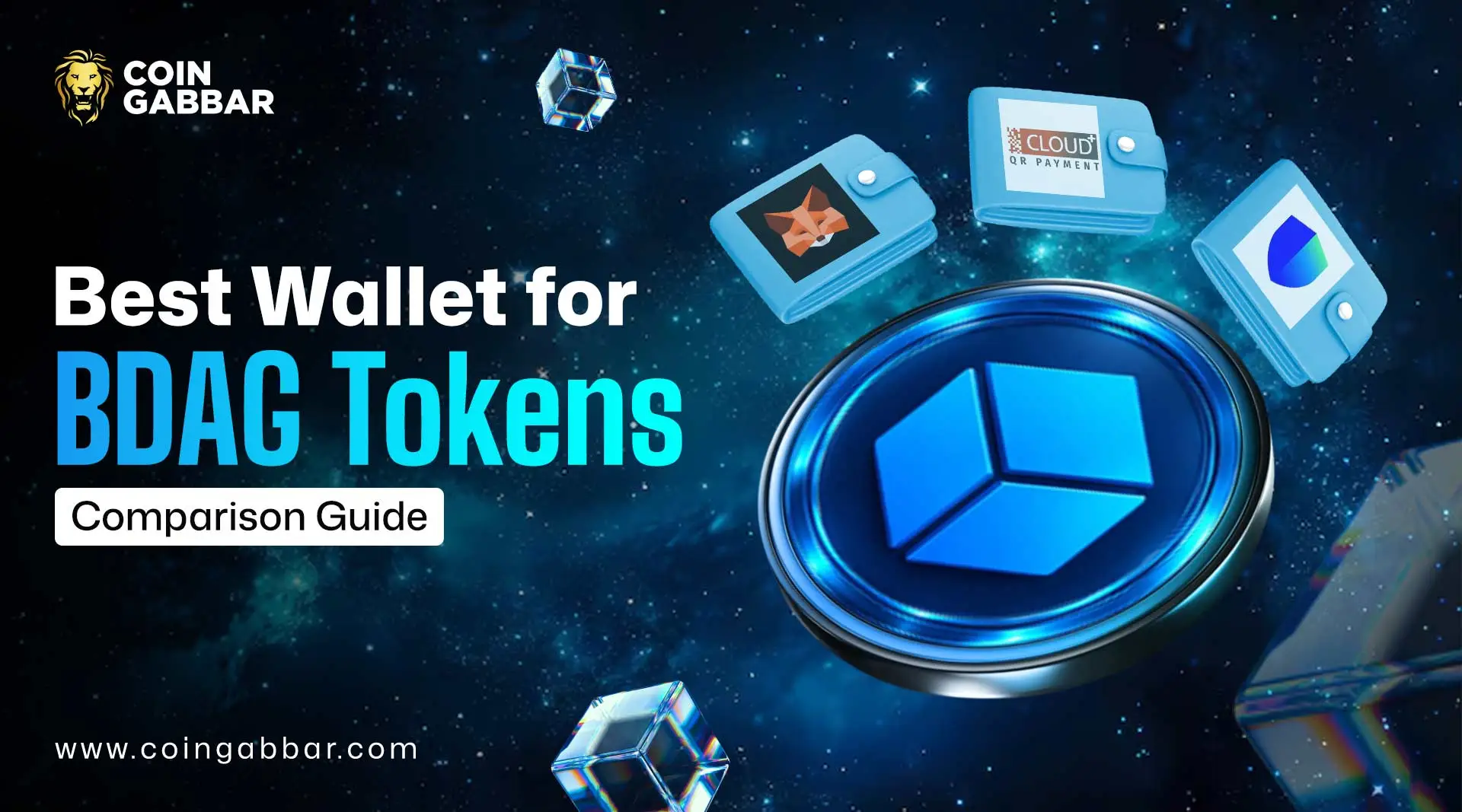
Best Wallet For BDAG in 2026: Secure Storage Guide for Beginners
BDAG interest is rising fast. That makes the best wallet for BDAG choice matter more now. If you plan to hold tokens for months, the wrong setup can turn into a costly mistake.
Many readers face the same problem. There are several crypto wallets for BDAG, yet not all feel equally clear as the best wallet for BDAG. Some are better on desktop, and some feel easier on mobile.
This crypto wallet guide compares Trust Wallet, Plus Wallet, and MetaMask in plain English. If you are looking for the best wallet for BDAG, this review shows which option fits your style, your skill level, and your risk tolerance. It also covers current BDAG-compatible wallets listed by BlockDAG.
Why Wallet Choice Matters?
Choosing the best wallet for BDAG or any of your crypto assets matters. Your wallet is not just an app. It is the tool that guards your private keys. Private keys are the secret codes that control your coins. MetaMask says self-custody means you keep that control yourself.
That matters because exchange wallets carry platform risk. If an exchange freezes withdrawals, gets hacked, or blocks your account, access can get messy fast. A wallet you control gives you stronger, secure BDAG storage for long-term holding.
It also shapes how you use BDAG day to day. Some people just want to buy and hold. Others want fast wallet connection, easy token display, or direct dApp access. That is why choosing the best wallet for BDAG is really about matching tools to your habits.
Which Wallet Type Fits BDAG Best?
Most people start with a hot wallet. That means a wallet connected to the internet, usually as a mobile app or browser extension. Trust Wallet and MetaMask both offer that format today.
A cold wallet is different. It stores keys offline on a hardware device. It is slower to use, yet safer for large holdings. If you plan to store BDAG tokens for the long run, cold storage is worth knowing about.
Then there are custodial versus non-custodial crypto wallets. Custodial means another company holds the keys. Non-custodial means you hold them. Best wallet for BDAG in 2026 is non-custodial wallet, which is the safer default for most serious holders.
Which Wallets Stand Out?
BlockDAG’s current buy guide recommends MetaMask on desktop. For mobile, it points users to Trust Wallet or Plus Wallet through WalletConnect. Its FAQ also lists MetaMask, Trust Wallet, and Plus Wallet among recommended choices. That gives us a clear starting line for the best wallet for BDAG comparison.
Trust Wallet: Best for Beginners and Mobile Users
Source: Trust Wallet Official Website
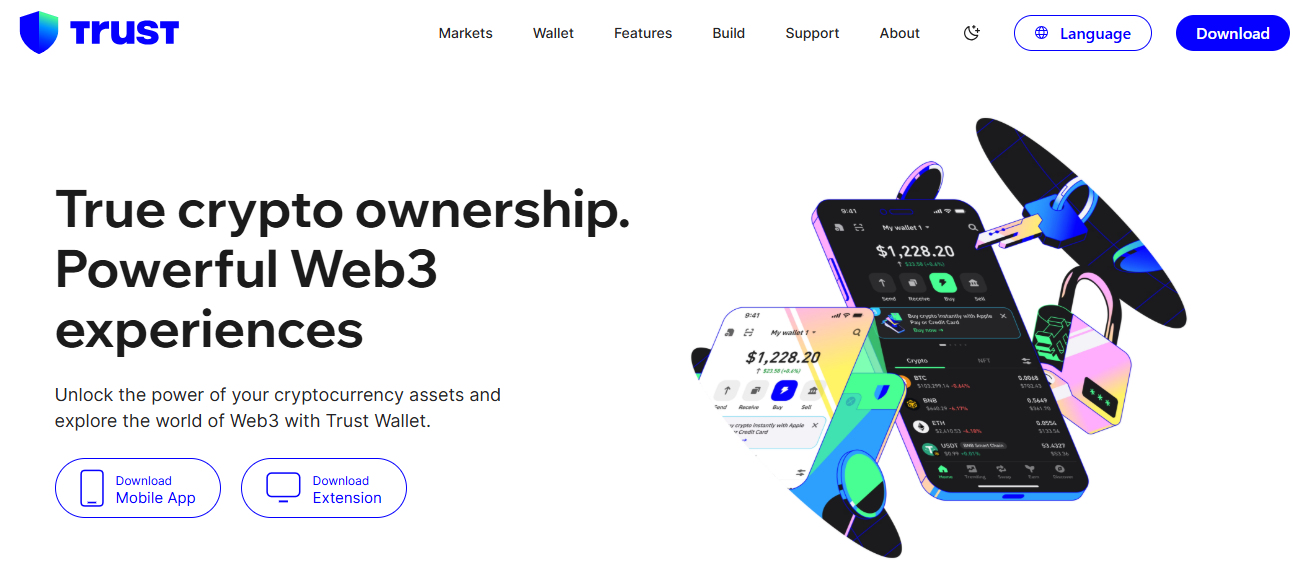
Trust Wallet BDAG is the easiest pick for many new users. Trust Wallet runs on mobile and a browser extension. It supports custom networks, custom tokens, and a wide range of chains. Trust says its extension works across 100+ blockchain networks.
That flexibility matters for BDAG. If BDAG needs custom network details or a manual token import, Trust Wallet already supports that setup flow. Trust also supports staking for many assets, though support depends on the token itself.
Pros
Easy mobile interface
Custom network support
Custom token support
Wide multi-chain coverage
Good fit for first-time users
Cons
Advanced desktop DeFi users may still prefer MetaMask
You still need to verify the right network and contract yourself
Best for beginners who want the best wallet for BDAG on mobile.
Plus Wallet: Best for Reward-Focused Users
Source: Plus Wallet Official Website
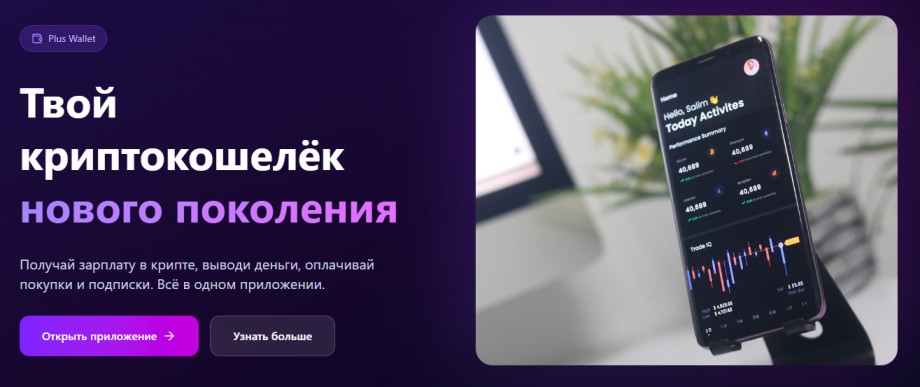
Plus Wallet BDAG is the more emerging option here. BlockDAG lists it in its recommended wallet flow, especially for mobile use through WalletConnect. That makes it relevant for buyers who want a lighter mobile setup.
Current app listings describe Plus Wallet as a mobile-first Web3 wallet for coins, NFTs, and dApps. Public setup material is not as deep as MetaMask or Trust Wallet, so you may need to rely more on the app flow and BlockDAG’s live connection prompts.
Pros
Listed by BlockDAG as a supported option
Mobile-friendly design
Built for coins, NFTs, and dApps in one app
Cons
Fewer public setup guides
Less proven than the bigger wallet brands in this comparison
Best for users who like mobile simplicity and want the best wallet for BDAG with a lighter learning curve.
MetaMask: Best for Advanced Users and Web3 Access
Source: MetaMask Official Website
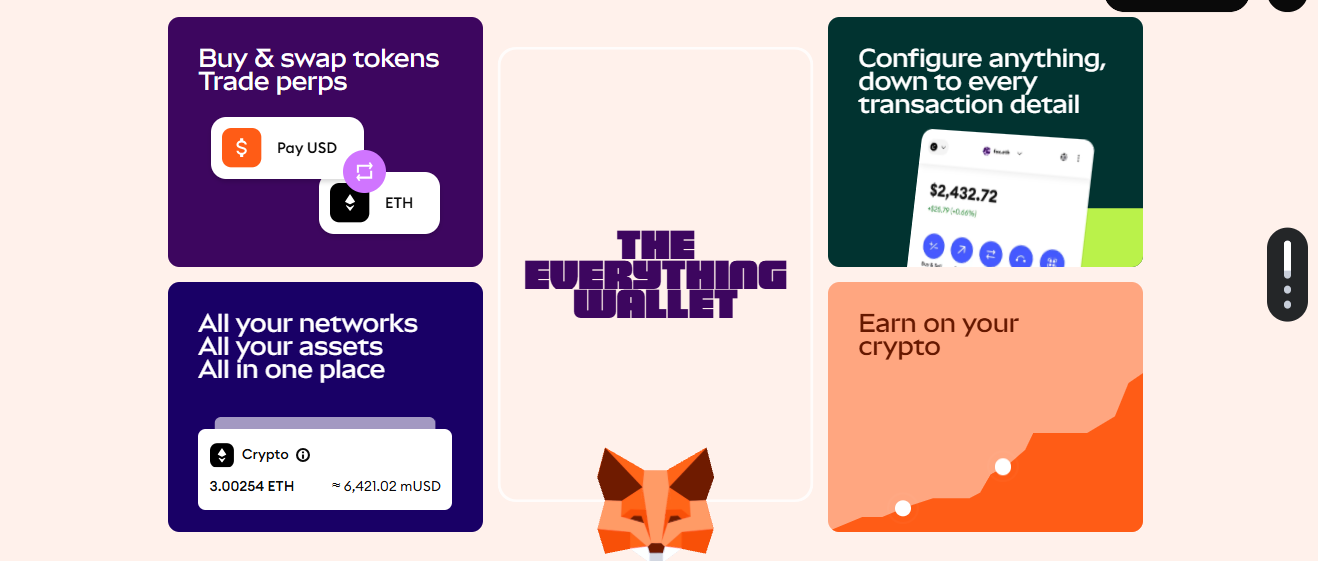
MetaMask BDAG setup looks strongest for desktop users. MetaMask is available as a browser extension and mobile app. It lets you add custom networks, then add custom tokens on EVM networks. That is a big reason many advanced users still start here.
BlockDAG itself recommends MetaMask for desktop purchases. Its whitepaper also points to MetaMask, Trust Wallet, and Plus Wallet integrations. If you use DeFi tools often, MetaMask still feels like the sharpest BDAG token wallet for browser-based Web3 access.
Pros
Strong desktop experience
Clear custom RPC setup
Clear custom token support
Direct Web3 and dApp access
Cons
Can feel harder for new users
Safer use depends on verifying every network detail yourself
Best for: DeFi users, browser users, and anyone chasing the best wallet for BDAG on desktop.
How to Store BDAG Safely?
This short BDAG storage guide covers the basics. If you are asking how to store BDAG safely, follow these steps in order. They matter more than any marketing claim.
Download the wallet from the official store or official site only. MetaMask warns against unofficial installs.
Back up your seed phrase offline. Trust Wallet provides a dedicated recovery phrase backup flow.
Add the BDAG network if needed. MetaMask and Trust Wallet both support custom network entry.
Add the BDAG token using the official contract address if it does not show by default. Both wallets support manual token entry.
Send a small test amount first. Then verify the balance before moving more funds.
That is the real path to the best wallet for BDAG experience. Safety beats speed every time.
What Features to Look For In Your BDAG Wallet?
While choosing the best wallet for BDAG, look for these five things first. Then decide whether a wallet is useful in real life.
Self-custody control
Custom network support
Custom token support
Easy backup and recovery
Strong app or extension support
If a wallet misses two of those points, skip it. The best crypto wallet 2026 standard is not about hype. It is about reliability, recovery, and clean support for BDAG compatible wallets.
Mistakes that Cost People Money
Never share your seed phrase. No real wallet team needs it. Never paste a random contract address from social media either. That is one of the fastest ways to lose funds meant for secure BDAG storage.
Do not leave large holdings on exchanges. Do not rush through setup. Do not assume every token display is automatic. Even MetaMask says you may need to add a custom token manually.
What could change in 2026?
Wallet support will likely get better from here. BlockDAG’s documents already point to wallet integrations across MetaMask, Trust Wallet, and Plus Wallet. If the network keeps growing, UX should improve, setup should get easier, and support for a full BDAG storage guide may become more direct inside apps.
For now, though, the practical answer is simple. MetaMask has the clearest desktop path. Trust Wallet feels strongest for most beginners. Plus Wallet stays relevant as a mobile option because the BlockDAG network already includes it in the live wallet flow. That is why these remain the top crypto wallets for BDAG right now.
Which Wallet Is Best for BDAG in 2026?
So, what is the best wallet for BDAG? If you are new, pick Trust Wallet. If you use Web3 on desktop, pick MetaMask. If you want a mobile-first option that BlockDAG already highlights, try Plus Wallet.
The safest choice is the one you can set up well, back up well, and verify well. That is the real answer for the best wallet for BDAG and how to store BDAG safely in 2026.
Disclaimer: This article is for informational purposes only, not financial advice. Always verify wallet details, contract addresses, and security practices before storing BDAG tokens.
Also read:








.webp)