DeepSnitch AI Token Claim Issue: Why Users See 0.00 DSNT

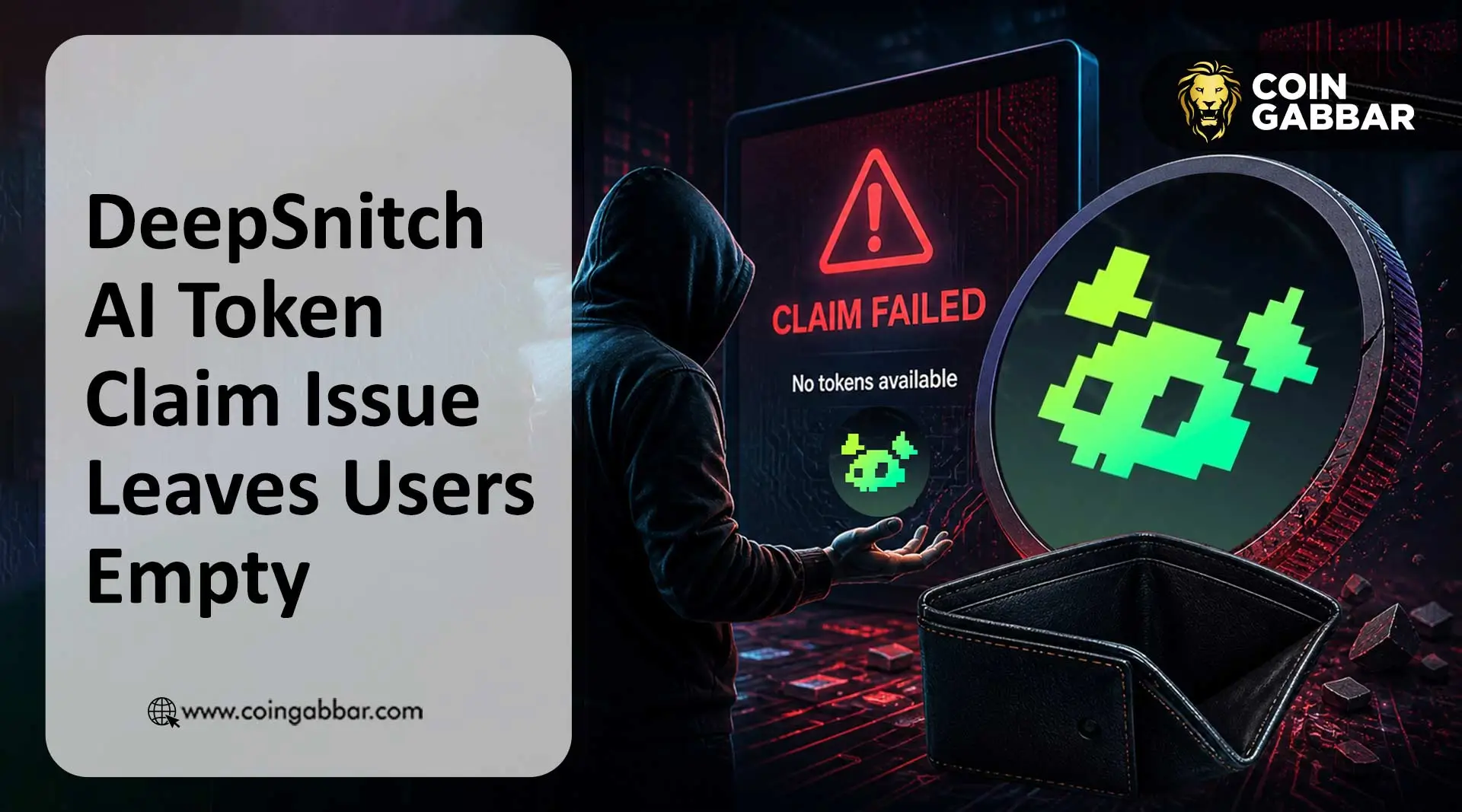
Is Your DeepSnitch AI Token Claim Showing a Zero Balance?
Users often see 0.00 DSNT due to wallet address mismatches, being on the wrong blockchain network, or active vesting schedules. As of May 2026, many holders are reporting a DeepSnitch AI token claim issue where their dashboard appears empty despite a successful purchase.
According to official DeepSnitch AI sources, the project raised $2.87M during its multi-stage presale. However, the transition to the claim phase has left many investors frustrated. Across social media, the DSNT redeem bug is the top trending topic for the community.
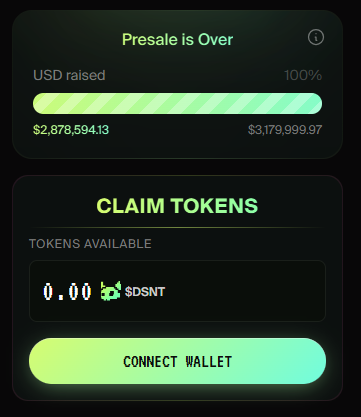
While the V1 platform is live with five AI agents, the token distribution is lagging. If you're seeing a zero balance, it’s usually a sync error between the portal and your ERC-20 token wallet.
Why is my DSNT not showing in MetaMask or the claim portal?
The most common cause of the DeepSnitch token not showing is using a different wallet address than the one used during the presale. Many users own multiple wallets and forget which one holds the redeem rights.
Another major factor is the asset zero balance issue linked to staking. According to the project's whitepaper, staked tokens are subject to a 7-day vesting period. If your tokens were staked, they won't appear as "claimable" until that timer hits zero.
Wallet Check: Verify your address on the official DeepSnitch AI Website.
Network Check: Ensure your MetaMask is set to Ethereum Mainnet.
Vesting Check: Confirm if your 7-day lock period has expired.
DeepSnitch AI Claim Portal Not Showing Tokens: Common Reasons
Confusion grew when MetaMask flagged the $DSNT contract as "malicious." Security firm Blockaid initially marked the contract due to high redeem volumes. While Blockaid has since cleared the flag, the DeepSnitch AI scam rumors spread quickly.
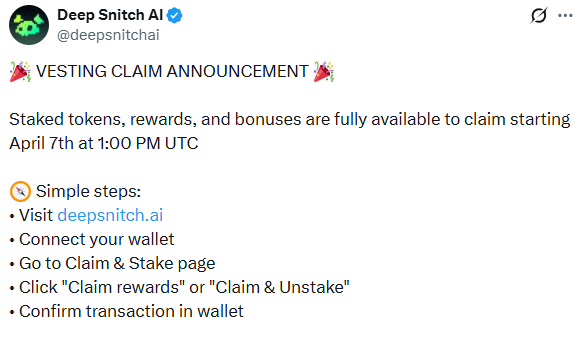
Market sources indicate these warnings are often false positives for new smart contracts. However, users should always verify the contract address on Etherscan before interacting. There are currently no confirmed scam reports, but risks remain high for any early-stage AI project.
"I thought my funds were gone because of the warning," says one user on the official DeepSnitch X Account. "I just had to add the token manually to see my balance."
DSNT Token Not Showing in MetaMask Fix: Step-by-Step Guide
If you are facing a crypto presale claim problem, follow this checklist to restore your tokens:
Manual Import: Copy the official DSNT contract address from the Whitepaper.
Add Custom Tokens: Open MetaMask, click "Import Tokens," and paste the address.
Check Gas: Ensure you have enough ETH for gas fees, which can sometimes exceed $40.
Clear Cache: Hard refresh the redeem portal (Ctrl+F5) to fix UI display bugs.
Official Support: Reach out only via the Official Telegram.
Comparing the DSNT Claim Bug to Other Crypto Presale Issues
The DeepSnitch AI token claim issue isn't unique in the current market. Many latest crypto news today reports show similar patterns in high-demand launches.
Issue Type | DSNT | Common Industry Standard |
Claim Bug | 0.00 Balance UI Error | Sync delays between UI & Contract |
Vesting | 7-Day Lock for Stakers | 30 to 90-day linear vesting |
Gas Fees | High (Ethereum) | Often a hurdle for small buyers |
Security | Blockaid Flag (Cleared) | New contracts often get flagged |
Future Outlook for $DSNT
The team is currently working on listing date updates, with rumors pointing toward Gate.io or MEXC. To maintain trust, the developers must resolve the DeepSnitch AI claim not working solution before the first CEX trade. Investors should stay updated on token listing updates to see when liquidity is added.
YMYL Disclaimer: This article is for informational purposes only. All data is based on market sources and community reports. Cryptocurrency investments carry high risk. Always verify smart contracts and official links before connecting your wallet.


4 months ago
I connect my wallet to the deepsnitch ai app and it drained my wallet