Solana Token Extensions: What Developers Should Know

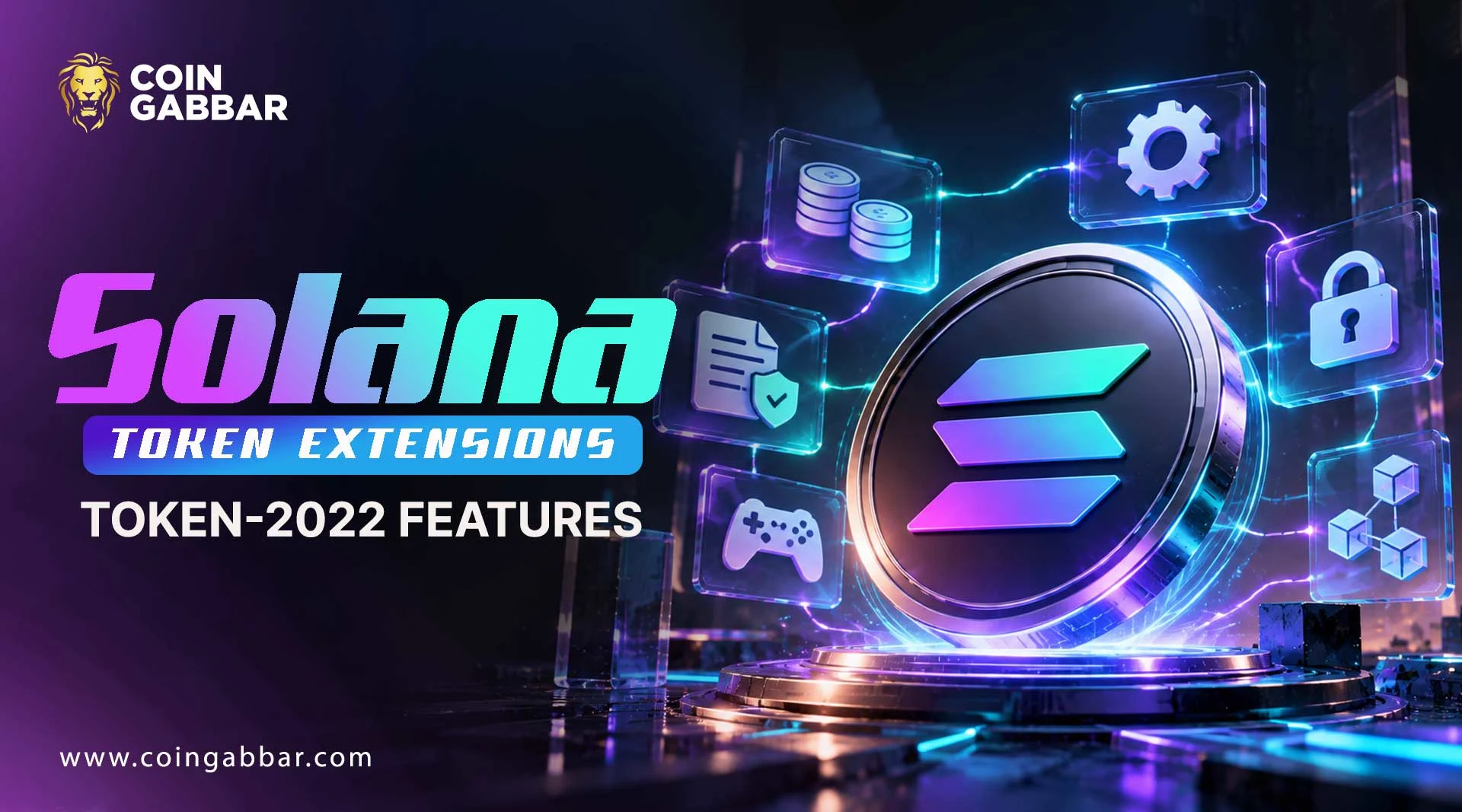
Solana Token Extensions Explained: New Features for SPL Tokens
The first SPL tokens were simple on purpose. They held a balance and moved it around, and that was about it.
Then builders started asking for more: a small fee on every transfer, hidden balances, or badges nobody could sell. Solana Token Extensions were built to cover those requests.
Solana token extensions are optional features added to token mints or accounts through the Token Extensions Program, also called Token-2022.
Examples include transfer fees, confidential transfers, transfer hooks, and non-transferable tokens. Most have to be picked when the token is created.
What Can a Token Do Now That It Couldn't Before?
The official Solana documentation says the Token Extensions Program offers extra features through add-on instructions called extensions. Each one stores its own data on either a token mint or a token account.
A quick note on those two words. A mint defines the token itself, while a token account holds one person's balance. Extensions can sit on either.
Status labels used below:
Confirmed: stated in official documentation
Reported: stated by secondary sources
Not verified: not checked for this article
Token-2022 vs the Original Program: What Really Changed?
Feature | Original token program | Token Extensions (Token-2022) |
Core token functions | Yes | Yes |
Optional extra features | No | Yes, through extensions |
Fees, hooks, privacy options | Not built in | Available as extensions |
Wallet and app support | Widely supported | Not verified, may vary |
The docs present the newer program as the one with more features (Confirmed). Whether a specific wallet or app handles it is a separate question, and each one should be checked on its own.
The Catch: Why Planning Ahead Matters
Here is the part that trips people up. The docs say most extensions can't be added after an account has been set up, so the feature list has to be decided early.
The rules differ from one extension to the next, which makes each extension's own guide worth reading before launch.
Meet the Extensions Builders Talk About Most
The program's code lives on GitHub, and a secondary Chainstack guide sums up the popular ones.
Extension | What it does | Typical use |
Transfer fee | Takes a fee per transfer, held for withdrawal | Treasury income |
Confidential transfer | Encrypts balances and amounts | Privacy |
Transfer hook | Calls a custom program on each transfer | Custom rules |
Non-transferable | Blocks transfers | Soulbound badges |
Permanent delegate | Gives an authority standing control | Compliance, clawback |
Metadata | Stores token details with the mint | Names, images |
The descriptions come from the docs and the secondary guide.
Send 100 Tokens, Receive 99: How Transfer Fees Work
Picture a token with a 1% transfer fee. Someone sends 100 tokens, and the recipient ends up with 99.
The missing token is held back until an authority withdraws it, and the docs describe separate authorities for setting and collecting fees. This is only an example of how one of the Solana token extensions behaves.
A setup like that fits payment tokens, and this overview of Solana payments shows where fees like these would come up.
Private, Programmable, or Under Someone's Control?
Three of the Solana Token Extensions raise the biggest questions.
Confidential transfers use zero-knowledge techniques to encrypt balances, and they include auditor settings. That doesn't promise privacy in every app or workflow
Transfer hooks force a call to another program on each transfer, which adds flexibility and also more code that needs reviewing
Permanent delegates give one authority standing control over tokens
A permanent delegate isn't proof of bad intent. It is simply a control that a buyer should know about.
Who Should Care About These Features?
Solana Token Extensions matter to different people in different ways.
Builders can add rules and fees without writing a custom program from scratch
Holders can read a token's extensions to see what control others still have
Wallet and app teams have to decide which extensions they support
The upside is real. Every extra feature is also one more thing that can break or be misunderstood.
Can You Spot a Risky Token Before You Touch It?
A short routine goes a long way. Open the mint in a block explorer that shows mint details, then look for the Solana Token Extensions a token uses:
Which extensions are switched on
Who holds the fee, hook, and delegate authorities
Whether a transfer hook points to a program nobody recognizes
Whether mint and freeze authorities still exist
Explorers show different amounts of detail, so exactly what appears is not verified.
A Badge Nobody Can Sell: A Quick Example
Imagine a learning platform that hands out completion badges using Solana Token Extensions, specifically a non-transferable token with metadata showing each badge's name and image.
Nobody can trade the badge, so it stays with the person who earned it. This is a made-up scenario, not a real project.
How Much of This Is Actually Proven?
Claim | Source | |
Extensions are optional mint or account features | Solana docs | |
Most can't be added after initialization | Solana docs | |
Transfer fees, hooks, and confidential transfers exist | Solana docs, Chainstack | |
Wallet and exchange support | Not checked |
What Could Still Go Wrong?
Useful as they are, Token-2022 extensions come with trade-offs.
A permanent delegate can hand over authority-wide control
Transfer fees can surprise people who skip the details
App support may be uneven
Complicated extensions raise the odds of bugs
Network trouble can hit any token, as covered in how Solana handles network outages and recovery
Your Pre-Launch and Pre-Buy Checklist
Read which extensions a token uses
Test on a development network first
Confirm wallet support before launching
Most tokens also need SOL for fees, and this guide on how to buy Solana in 2026 covers that first step.
Conclusion
Solana Token Extensions give builders far more control than basic SPL tokens ever did, and that control works in both directions.
Good design means choosing only what a token really needs. Good research means reading what a token has before trusting it.
Check the official documentation for current details before creating or buying anything.
A token's design tells more than its market number does, and today's Solana price says little about how well its extensions work.
Disclaimer: This article is meant to help readers understand how tokens work on Solana, nothing more. It isn't financial, investment, legal, or tax advice, and it doesn't suggest buying, selling, or holding any asset. Crypto tokens carry risk, and losses are possible. Readers should do their own research and double-check key details on official sources before acting.