Gate Exchange Listing and New Token Launch Announcements
Follow Gate Exchange listings with token details, listing dates, trading times, market updates & launch information. Check each update with the official Gate announcement before trading or moving funds.
















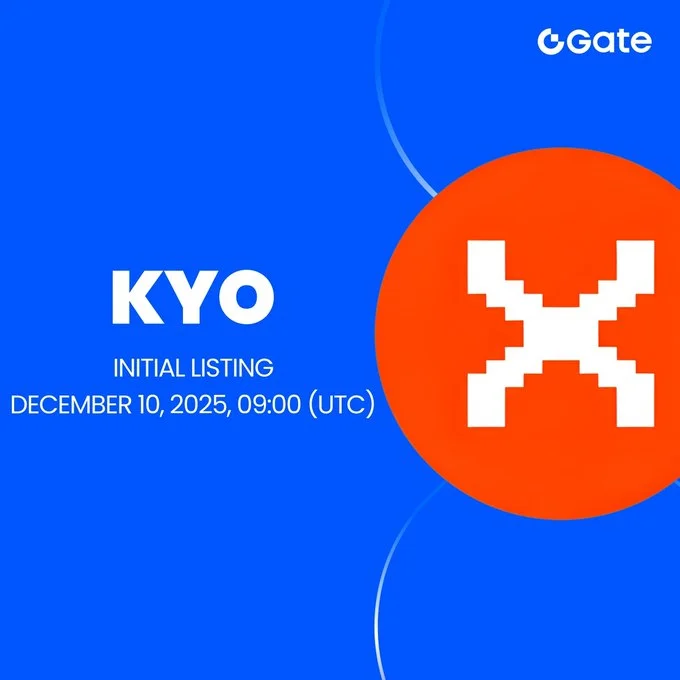
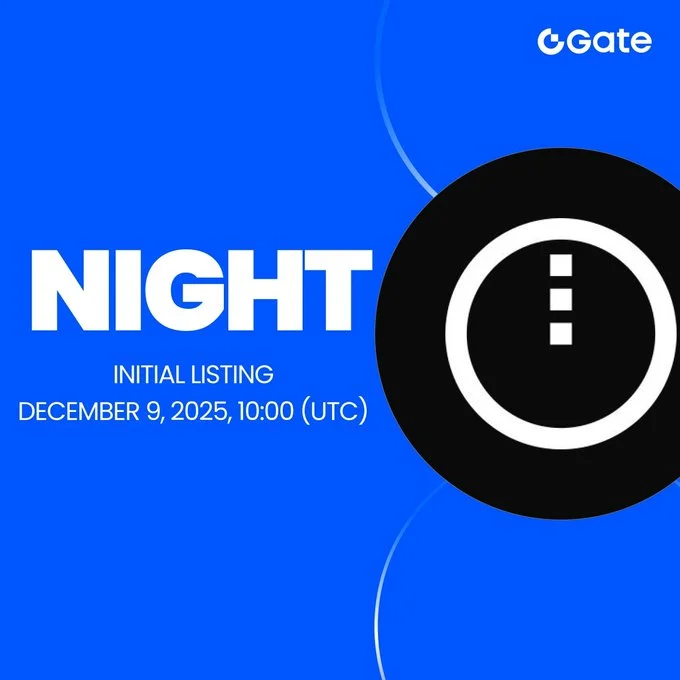
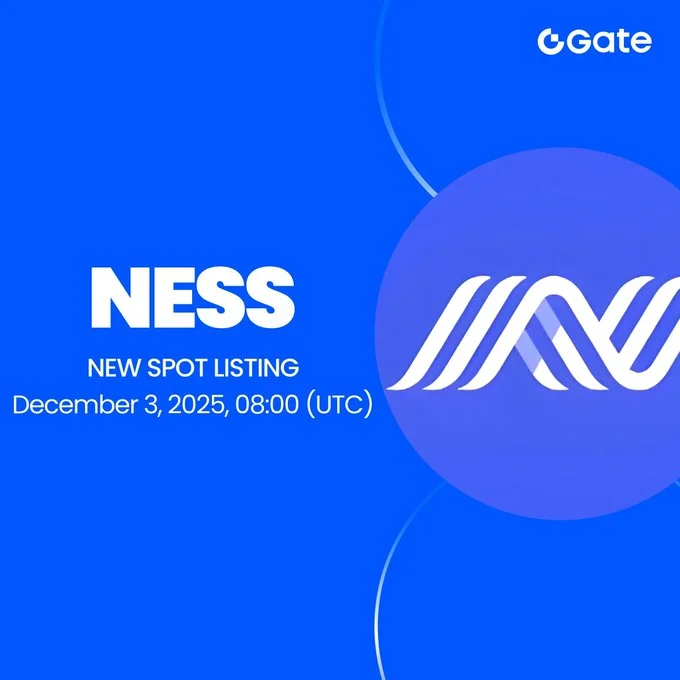

Start With the Gate Listing Board
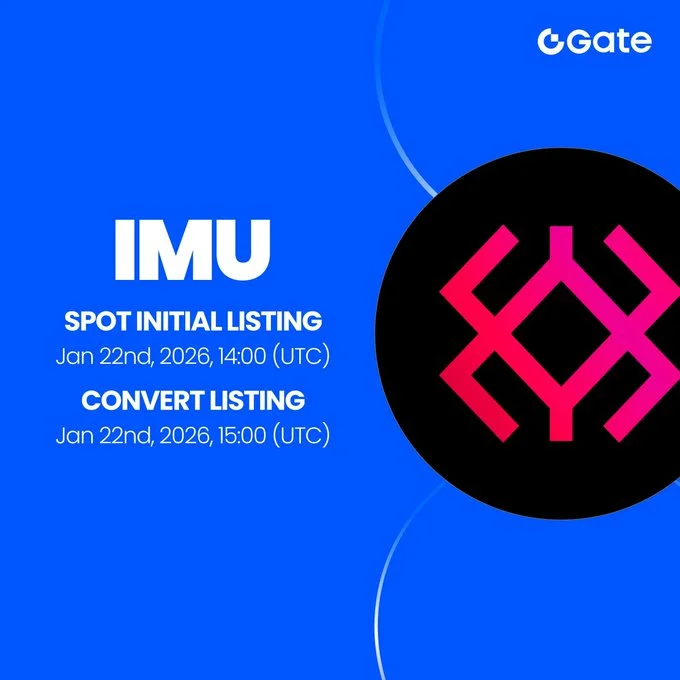
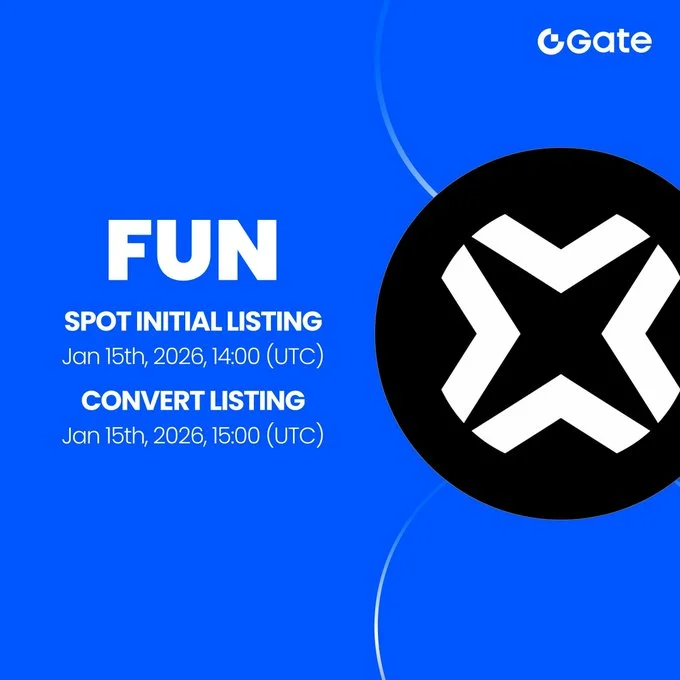
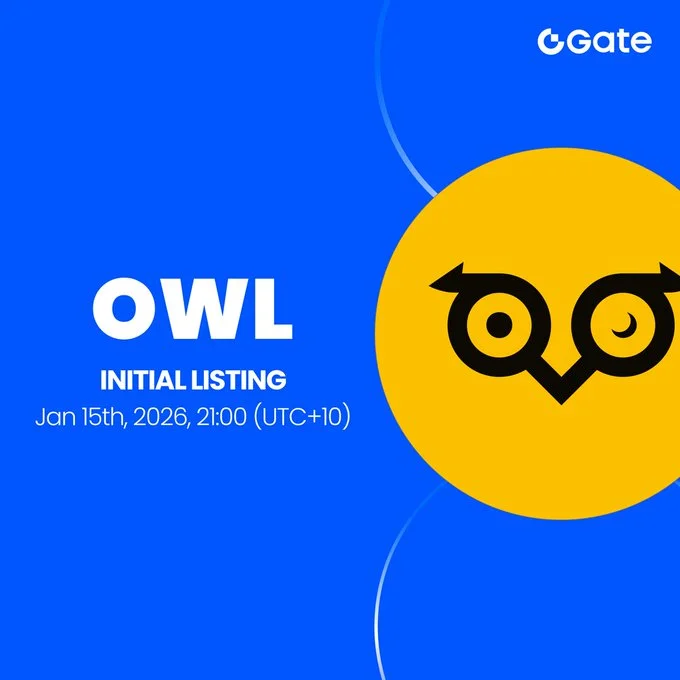
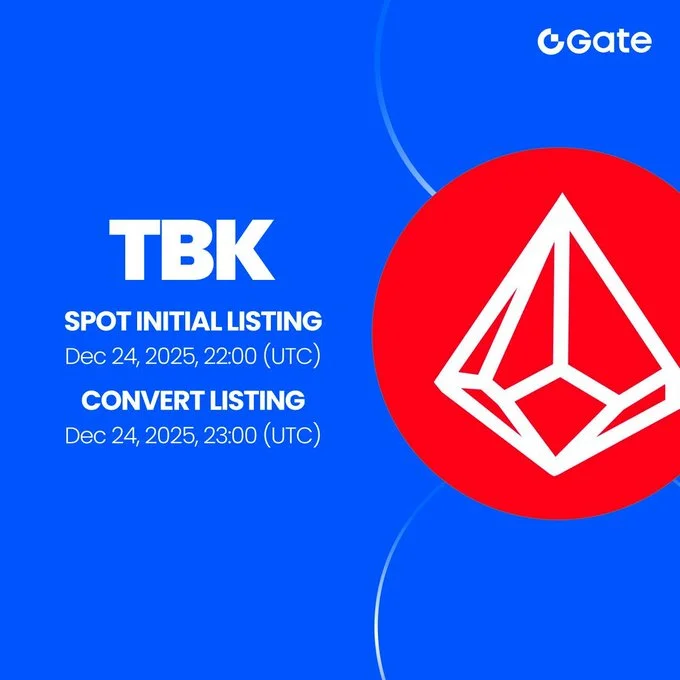
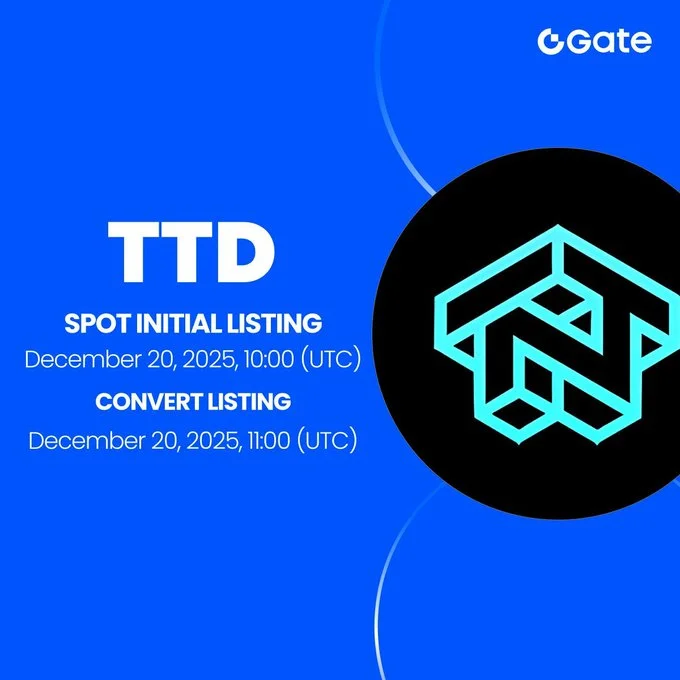
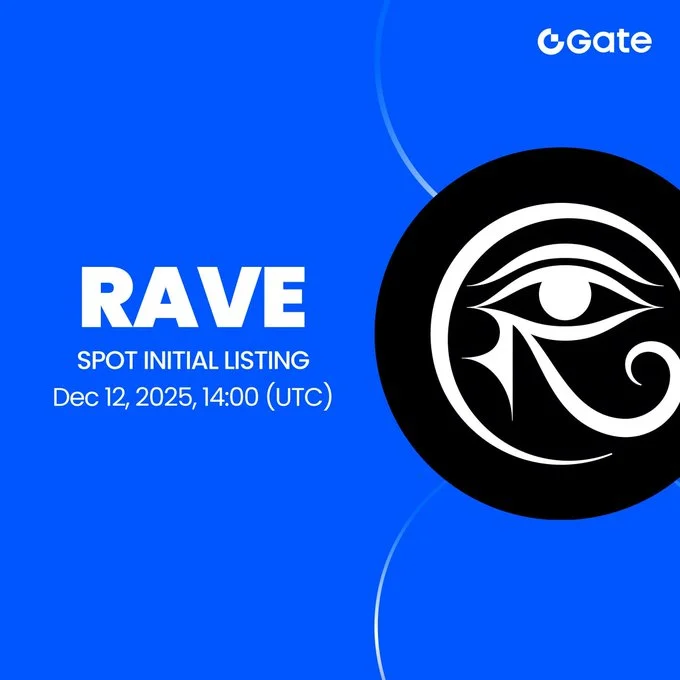
The main listing board helps users find Gate token listings without reading a long exchange guide first. The board shows the token name, listing date and time, and a link to more details. Users can use this data to find a recent or upcoming listing quickly.
Before using any listing information, check the full details for the token symbol, trading pair, Gate product, network, and current status. These details help users tell the difference between a spot listing, a Startup activity, a Pre-Market update, or a futures launch.
| Detail to Check | What It Means |
|---|---|
| Asset | Full project or token name |
| Symbol | Trading ticker used for the token |
| Gate product | Spot, Startup, Pre-Market, futures, or another Gate product |
| Trading pair | The market pair, such as ABC/USDT |
| Announcement date | Date when Gate published the update |
| Trading time | Planned market opening time with time zone |
| Status | Upcoming, live, changed, delayed, or completed |
| Official source | The related Gate announcement or market notice |
Users should always confirm the latest schedule through the official Gate source. Crypto listing times can change after the first announcement.
For tokens listed across more than one platform, the crypto exchange listing calendar can provide a broader comparison.
Read Each Row as a Gate Listing Update
A row on this page does not always mean Gate is listing a token for the first time. It may show another type of market update linked to the same asset. Knowing the update type can prevent confusion.
A Gate listing update may cover:
- A first spot trading pair
- A new pair for an existing token
- A Startup-related launch
- A Pre-Market update
- A futures or perpetual contract
- A delayed trading opening
- A token symbol change
- A blockchain or contract migration
Users should check the product label before assuming normal spot trading is live.
Asset Name and Symbol
The asset name shows the full project name. The symbol is the shorter ticker used in the trading pair. Both matter because different crypto projects can have similar names or symbols.
Before transferring a token, check the project name, token symbol, blockchain network, contract address, and supported Gate deposit network. A logo alone should never be used to confirm a token.
Gate Product or Section
Gate offers several types of crypto products. A listing notice may relate to spot trading, Startup, Pre-Market, futures, or another service.
This label is important because each product works in a different way. A token shown in a Startup activity does not always mean its normal spot market is already open.
Market or Trading Pair
A pair such as ABC/USDT means ABC is traded against USDT. A futures or perpetual name may instead refer to a contract that follows the token price.
Users should read the full pair and product name. Looking only at the token ticker can give the wrong idea about what has launched.
Gate Listings Can Have Three Different Times
A Gate token listing may include separate times for deposits, trading, and withdrawals. These services do not always open together. Checking each time gives users a clearer view of the launch schedule.
Deposit Opening Time
The deposit time shows when Gate plans to start accepting the token on a supported blockchain. An open deposit does not mean trading is live. It only means eligible users may be able to send the token to Gate.
Before making a deposit, check the supported network, token contract address, memo or tag rules, minimum deposit amount, confirmation needs, and current wallet status.
Sending a token through the wrong blockchain can lead to lost funds or a hard recovery process.
Trading Opening Time
The trading time shows when the stated market is planned to open. This is when buyers and sellers may begin placing and matching orders.
Early trading can be very volatile. There may be fewer orders, wide price gaps, or strong demand during the first minutes.
The listing time should always include a time zone. For example, a time shown in UTC should stay in UTC unless it is clearly converted and labelled. This prevents users from reading the wrong local launch time.
Withdrawal Opening Time
The withdrawal time shows when users may be able to move the asset away from Gate. Withdrawals can open after trading starts.
This means a live trading pair does not always mean every wallet service is active. Users should check deposit, trading, and withdrawal status separately.
Know Which Gate Listing Label You Are Viewing
Gate uses different products for token launches and trading. These labels should not be treated as the same thing. Understanding them helps users read the listing information correctly.
New Spot Trading Pair
A spot listing lets users trade the actual token against another asset, such as USDT. However, a new spot pair does not always mean the token itself is new to Gate.
The update may be the token's first Gate spot market, an extra pair for an existing asset, a market reopened after a migration, or a renamed trading pair.
For this reason, every new pair should not be called a new coin listing.
Startup Activity
Gate Startup may include token launch activities, distributions, subscriptions, or other participation offers. A Startup deadline may be different from the time when spot trading later begins.
Users should check the activity rules before taking part. Access may depend on account checks, token holdings, location, eligibility rules, or other conditions shown by Gate.
Pre-Market Listing
Gate Pre-Market can allow early price discovery before normal spot trading begins. It should not be treated as a completed spot listing.
Prices shown during Pre-Market trading can differ from later spot prices. Liquidity, settlement rules, trading depth, and participation may also be different.
A Pre-Market update should therefore be clearly identified before users compare it with a normal spot market.
Futures or Perpetual Launch
A futures or perpetual market gives traders price exposure through a contract. It does not always mean users are buying and holding the token itself.
Derivative markets can also include leverage, funding costs, and higher loss risk. Users should confirm whether an update is for spot trading or derivatives before taking action.
Compare Gate Listings by Day, Week, or Month
Some users want one token listing. Others want to review Gate new listings across a wider period. Date-based views can make it easier to find recent launches, future schedules, and older listings.
Common searches may include Gate new listings today, Gate listings this week, Gate upcoming listings, recent Gate spot markets, and tokens added during a selected month.
Daily Listing View
A daily view can help users find markets opening on a selected date. It should make upcoming trading times and schedule changes easy to find.
Users may want to check markets launching soon, revised opening times, pairs that are already live, and wallet services that are still closed.
Words such as "today" should appear with a full date when possible. This keeps older listing records clear after the day has passed.
Weekly Listing View
A weekly view can group Gate listings by date. This makes it easier to compare several launches scheduled close together.
Users can review how many markets are planned, which Gate products are involved, common quote assets, and how many listings are upcoming, live, completed, delayed, or changed.
A busy listing week does not make the listed tokens safer or more valuable.
Monthly Listing Archive
A monthly archive can keep older Gate token listing dates after they leave the main feed. This helps users find past listings without mixing them with upcoming token launches.
Archives are also useful when a user remembers a token name but does not know the exact listing date.
For wider market context around an older launch, readers can review the Coin Gabbar latest crypto news section.
Build a Simple Research Card for Each Token
A listing notice only confirms that a Gate market update exists. It does not show whether a token is safe, useful, fairly valued, or right for a user's risk level.
A simple research card can help users study the project before making a financial decision.
| Research Area | Questions to Check |
|---|---|
| Product | What does the project provide, and who uses it? |
| Token | Why does the project need the token? |
| Supply | How many tokens are circulating, and when will more unlock? |
| Market | Where else does it trade, and how strong is the liquidity? |
Check the Product
Start with the project itself. Look for a working blockchain, app, protocol, game, payment service, data tool, or another clear product.
Check whether the product is live, whether people use it, whether development work is visible, and whether the roadmap has clear goals. Social media activity alone does not prove that a project has real use.
Check the Token Use
Find out what the token does. It may be used for fees, governance, staking, rewards, access, collateral, or another purpose.
A low token price does not mean the asset is cheap or undervalued. Token supply and market value also matter.
Check Token Supply
Supply data can help users understand future selling pressure and token value. Important figures include circulating supply, total supply, maximum supply, team allocation, investor allocation, community rewards, and future token unlocks.
A large future unlock may increase the number of tokens available in the market, so users should review the vesting schedule when it is available.
Check Market Liquidity
Liquidity shows how easily users may be able to buy or sell the token. Check trading volume, order-book depth, spreads, price gaps, and other exchanges where the token trades.
A Gate listing may improve access to a token, but it does not guarantee deep liquidity, stable prices, or long-term demand.
Watch the First Trading Window Carefully
The first trading period can be very active. Buyers and sellers may place orders at very different prices while the market is still forming.
A market order tries to trade at the best prices available at that moment. In a thin order book, one market order may fill at several different prices.
A limit order lets the user set a price boundary. However, the order may not fill if the market does not reach that price.
Useful market signals include:
- The gap between the best buy and sell prices
- Order-book depth near the current price
- Size of large buy and sell orders
- Fast changes in trading volume
- Large price differences across exchanges
- Tokens released through launch rewards
- Deposit or withdrawal restrictions
These signals show current market conditions. They cannot tell users where the token price will move next.
Why a Gate Listing Schedule May Change
A published launch time can change before trading starts. Gate or the project may issue another notice with a new date or time.
Possible reasons include wallet work, blockchain congestion, smart-contract changes, token distribution delays, network upgrades, technical problems, market preparation, or compliance needs.
When a schedule changes, the latest confirmed notice should be used. It is also useful to keep the earlier time so users can see what changed.
| Schedule Field | What to Show |
|---|---|
| Original time | The first announced opening time |
| Revised time | The latest confirmed opening time |
| Update status | Delayed, moved, resumed, or changed |
| Last checked | The most recent time the source was reviewed |
This type of record helps explain why two websites may show different listing times.
Rules Used for Gate Exchange Listings
A useful Gate listing feed needs clear rules. This helps prevent rumours, old markets, derivatives, and launch activities from being shown as if they are all the same type of listing.
A confirmed entry should have enough information to identify the update. Important details may include:
- Project or asset name
- Token symbol
- Gate product or market type
- Announcement date
- Trading pair or contract, when provided
- Launch time and correct time zone, when provided
- Official source
- Current listing status
Rumoured Gate listings should not appear as confirmed listings. A project post can support a confirmed update, but a claim about a future "top exchange" is not enough proof of a Gate listing.
The official Gate announcement or market page should remain the main source for the trading pair, network, listing schedule, deposit status, withdrawal status, and product type.
Use the Gate Listing Calendar, Then Research the Token
A useful Gate exchange listing page should help users reach the right market information with fewer mistakes. Start with the token name, then check the product type, complete trading pair, listing date, and launch time.
Next, confirm whether deposits, trading, and withdrawals are open. Check if the listing is upcoming, live, delayed, changed, or complete. Use the official Gate announcement as the final source when a schedule has changed.
After checking the listing details, study the project, token use, circulating supply, unlock schedule, contract address, trading volume, and available liquidity.
This page covers Gate Exchange listings and related Gate market updates. It does not rank tokens, predict listing prices, promise returns, or tell users which crypto asset to buy.
Risk notice: Newly listed crypto assets can have sharp price moves, low liquidity, and wide spreads. Futures and perpetual contracts may also use leverage and can increase losses. Listing information is provided for educational use and should be checked with the official Gate source before any financial action.




