Permit2 Signature Explained: Hidden Token Approval Risks

A Permit2 Signature Can Expose Tokens Without a Transfer
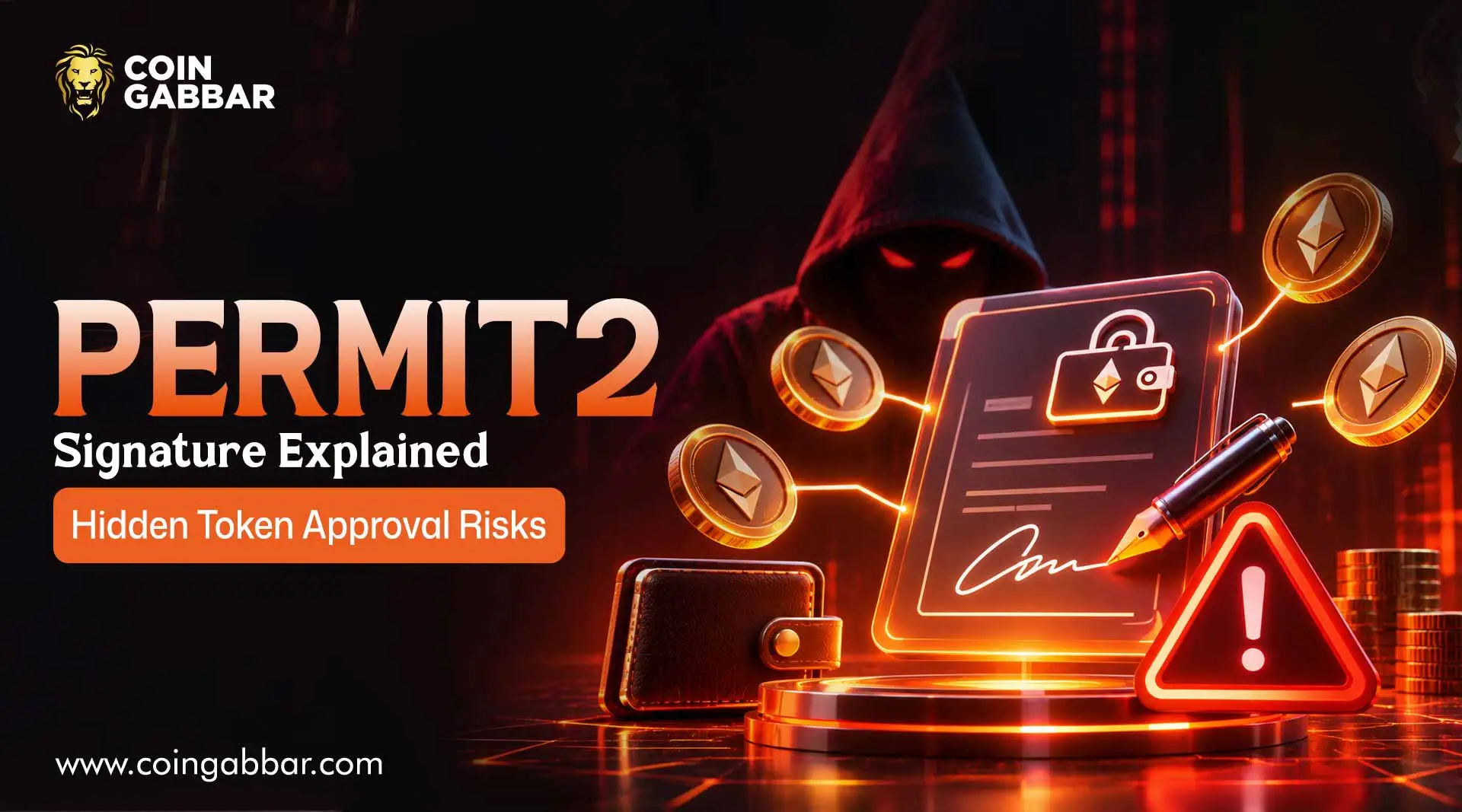
A Permit2 Signature is an off-chain message that gives another address the right to move a specific token from a wallet. Nothing leaves the wallet at the moment of signing, and no transaction needs to appear in the owner's history.
The harm comes later, when the holder of that signature submits it and pays the gas from another account.
That is why a signature can feel harmless and still expose tokens. The safe habit is to read what a request actually grants before signing anything.
What Is Permit2?
Permit2 is a shared approval contract that many apps use so that users don't have to approve each new app separately for every token.
According to the official overview, it handles token permissions through a single contract with signature-based allowances.
Convenience is the point: the user approves the token once, then later grants limited rights through signed messages.
Readers who want the broader background on how contracts hold power over funds can start with the Smart Contract entry.
How Does a Permit2 Signature Work?
There are two layers, and confusing them is where most mistakes begin.
The first layer is the ordinary token approval. A wallet allows the Permit2 contract to move a given token, often for a long time. On its own, this does nothing dangerous, because Permit2 only acts when instructed.
The second layer is what the Permit2 Signature controls. A signed message, or a stored allowance, says which spender may use that first-layer authority, how much, and until when. A spender or relayer who holds valid terms can then move the tokens within those limits.
Two mechanisms exist. The allowance transfer reference describes stored allowances with an amount and an expiry, which are visible on-chain.
The signature transfer reference describes a signed permit covering one transfer, which stays usable until it expires, is consumed or has its nonce invalidated.
Why Can Tokens Be Exposed Without a Transfer?
The signing step is an off-chain message. The standard for this kind of structured signing is described in the EIP-712 specification.
Signing such a message doesn't have to create a blockchain transaction, so the owner may see nothing in a wallet's activity list.
Later, an attacker can submit the signed authorization and pay the fee from a separate account.
That timing is what trips people up. A victim who checks their own outgoing transactions after signing may find nothing wrong, because the movement happens afterwards and was triggered by someone else.
Reports on wallet drainers describe exactly this pattern, with a fake site asking for a signature that looks like a routine login or claim.
What the Evidence Shows About the Permit2 Signature
Claim | Status |
Permit2 uses signed messages to grant token permissions | Official (protocol documentation) |
Two layers exist: a token approval to Permit2 and a signed grant to a spender | Official (protocol documentation) |
Signing does not itself have to produce a blockchain transaction | Reported |
A third party can submit a signature later and pay the gas | Reported |
Fake sites use signature requests to drain wallets | Reported |
Disconnecting a site does not revoke these permissions | Reported (security write-ups) |
How many users lose funds this way | Not verified |
How Do Drainers Abuse a Permit2 Signature?
Drainer kits usually follow a simple script. A fake mint page, airdrop claim, or support chat asks the user to connect a wallet.
The page then requests a signature that is described as free or harmless. The signed message names the attacker's address as the spender, often for a large amount and a distant expiry.
The attacker then submits it and sweeps every token covered by the first-layer approval.
Phishing links often arrive through direct messages, ads, or look-alike domains. The guide to Crypto Phishing Protection explains how those links are built, and AI Crypto Scams shows how fake teams and voices push people to sign.
How Should a User Read a Signature Request?
Before signing, a careful user checks the typed data shown in the wallet:
Spender: Does the address match the app being used?
Token and amount: Does it cover only the token and amount the action needs?
Expiration or deadline: A far-future date or no meaningful limit deserves suspicion.
Domain: Is the site address the genuine one, reached from a bookmark?
Wallet warnings: Modern wallets flag risky requests, and those warnings should be taken seriously.
Purpose: A "claim" or "verify" request that asks for a token permission is a red flag.
If anything is unclear, the right move is to reject the request and ask in the project's official channel.
How Can Exposure Be Checked and Revoked?
Disconnecting a website only ends the session. It does not cancel an allowance or a signature. To close access, both layers need attention:
Review stored allowances with a permission manager that understands Permit2, such as a token approval checker, and confirm it supports signature-based permissions.
Cancel the spender's allowance in Permit2, or invalidate the relevant nonce so an unused signature can't be accepted.
Reduce the token's first-layer approval to Permit2 if the exposure is serious. This is a broader brake and may interrupt legitimate apps.
Move remaining funds to a fresh wallet if a compromise is suspected.
Avoid depositing more of the affected token until both layers are confirmed closed.
Revoking authority does not reverse a transfer that has already confirmed. Developers who want to read the underlying code can find it in the official repository.
What Safer Habits Help?
Use a separate wallet for experiments and keep the main holdings elsewhere. Reduce approvals regularly. Be wary of urgency, free rewards, and unsolicited links. Readers who track crypto news Today we will see how often drainer campaigns follow a hype cycle.
Anyone relying on a contract's audit can learn how to verify a smart contract audit, though an audit does not stop a user from signing a malicious request.
Scammers also like to ride market excitement, so a flashy giveaway that appears next to Crypto Price Predictions 2026 hype should get extra caution.
Final Thoughts
A Permit2 Signature is a useful tool and a sharp edge. It lets apps work smoothly, but it also lets a stranger act on a wallet without the owner ever sending a transfer.
The defense is not fear of signing. It is a habit of reading the spender, the token, the amount, and the expiry every time and knowing how to cancel access when something looks wrong.
Disclaimer: This article is for information only and is not financial advice. Wallet interfaces and protocols change, so verify current guidance independently.