Solana Anchor Framework: Build Your First Program

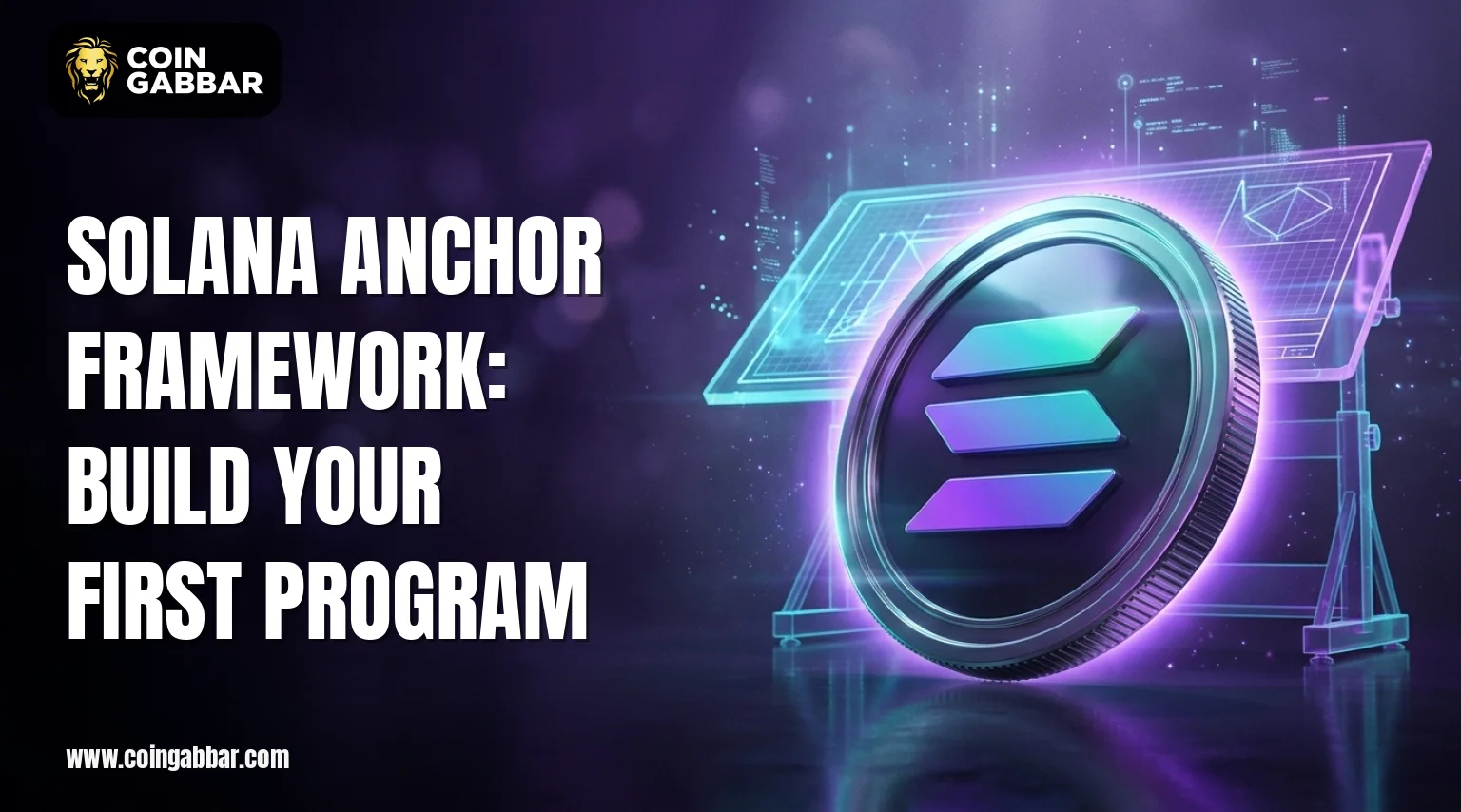
The Solana Anchor Framework is a Rust toolkit made for Solana, the fast, low-fee blockchain behind plenty of DeFi and NFT projects.
Its main job is to take the repetitive work out of writing smart contracts, which are called on-chain apps on Solana, so developers can write, test, and deploy them with far less boilerplate and with account checks already built in.
Key Takeaways
-
Anchor cuts repeated Rust code and adds built-in security checks for accounts.
-
A first project needs Rust, the Solana CLI, Node.js, Yarn, and the Anchor Version Manager.
-
Devnet is the safest place to test because it uses free test SOL.
-
The IDL file links a deployed smart contract to wallets, dApps, and TypeScript clients.
What Is the Solana Anchor Framework and How Does It Work?
Anchor sits on top of the native Solana program model. In that model, developers usually handle account parsing, serialization, and ownership checks by hand.
The framework uses Rust macros to write that logic for them. This lets a developer focus on the rules of a token, a staking pool, or a decentralized exchange. Official guides are available in the Anchor documentation at
Why Do Developers Use the Solana Anchor Framework for Smart Contracts?
Smart contract work on Solana has a steep learning curve. Every piece of state lives in an account, and a contract must verify that account before it touches it. The Solana Anchor Framework solves this with simple constraints.
An instruction can say that an account must be signed, must be mutable, or must belong to a set program. The framework then rejects bad calls before the main logic runs.
Anchor also makes an Interface Definition Language file, known as the IDL. This file lists every instruction and account of the program; wallets, DeFi front ends, and NFT marketplaces can read the IDL to build transactions without custom code. This is a big reason why many DeFi, NFT, and token projects on the network use the framework.
What Tools Are Needed to Build a Solana Anchor Framework Program?
A working setup needs a few standard tools. Most of them are free and open source:
-
Rust and Cargo for writing and building on-chain apps
-
Solana CLI for key management, airdrops, and deployment
-
Node.js and Yarn for running TypeScript tests
-
Anchor Version Manager (AVM) for installing and switching Anchor versions
-
A Solana wallet such as Phantom or Solflare for using the finished smart contract
Tool versions change often. For that reason, the install page of the official docs is the best guide before each new project.
How to Install the Solana Anchor Framework and Configure Devnet
Once Rust and the Solana CLI are ready, AVM installs the framework. A terminal command then checks the version; next, Devnet is set as the working cluster. The wallet gets free test SOL to pay for deployment and transaction fees.
Getting started follows a fairly straightforward order. AVM pulls in the latest Anchor version and switches to it, then the Solana CLI gets pointed at Devnet, and a fresh keypair is generated for the wallet before an airdrop of 2 test SOL tops it up.
After that, the anchor init command spins up a new project, a counter app, for example, which comes with a programs folder for the Rust code, a tests folder for the TypeScript tests, and an Anchor.toml file that holds the cluster and wallet settings.
How to Build the First Solana Anchor Framework Program
A counter is the usual first project for beginners, since even a tiny amount of code still touches account creation, state changes, and signer checks. The sample contract stores a number on-chain and lets any user bump it up. It has two instructions: initialize creates the counter account and sets it to zero, while increment adds one to whatever value is stored.
Initialize relies on the init constraint, which creates the account, has the user pay for it as a signer, and brings in the system program, whereas increment uses the mut constraint so the counter is allowed to change. The counter itself is just an account holding a single u64 number.
The program ID in a new project is a placeholder. The real value is made when the project builds, and it is synced with the anchor keys sync command. The space value of 16 bytes covers an 8-byte discriminator that Anchor adds to every account, plus 8 bytes for the u64 counter.
How Do Anchor Accounts, PDAs, and Constraints Work on Solana?
Everything on the Solana network lives in accounts, and the Accounts macro spells out which ones an instruction expects to receive. The init constraint creates a new account, and the mut constraint permits changes to an existing one, while the signer type checks that a wallet really approved the transaction, which shuts down a fairly common kind of unauthorized access bug.
Program Derived Addresses, or PDAs, are addresses made from seeds and a program ID instead of a private key. In DeFi protocols such as lending markets, liquidity pools, and staking vaults, PDAs often hold user balances or act as authorities.
Only the owning program can sign for them. Anchor supports PDAs through the seeds and bump constraints; these make address creation easy to read and check.
How to Test and Deploy a Solana Anchor Framework Program on Devnet
The anchor build command compiles the Rust code and makes the IDL. The anchor test command starts a local validator, deploys the program, and runs the TypeScript tests.
Once tests pass, the anchor deploy command sends the program to Devnet. The new address can then be searched in Solana Explorer or Solscan to confirm the upload.
Mainnet deployment should wait; the program needs repeated testing, an independent security review, and a careful choice about upgrade authority. A program with an active upgrade key can be changed by whoever holds that key.
What Common Mistakes Affect Anchor Smart Contract Development?
Beginners often give an account too little space, forget the 8-byte discriminator, or skip signer checks on instructions that move tokens. Other common problems include mismatched program IDs after a rebuild and old Anchor versions that no longer match tutorials.
Programs that handle SPL tokens also suffer when token accounts are not checked. Most of these can be caught by reading compiler errors closely and running tests after every change.
Glossary: Solana Anchor Framework Terms
-
Program: the Solana term for a smart contract.
-
Account: a data container on the network that stores state and balances.
-
IDL: a JSON file that describes a program's instructions and accounts.
-
PDA: an address made from seeds that only its program can sign for.
-
Devnet: a public test cluster that uses free test SOL.
-
Rent: the SOL deposit that keeps an account alive on-chain.
Conclusion
The Solana Anchor Framework gives new crypto developers a clear path from an empty folder to a deployed on-chain program. Rust macros handle validation, an IDL connects clients, and Devnet offers a free place to test. Starting with a small counter and then moving to PDAs and token logic builds the skills needed for larger DeFi and NFT projects.
Disclaimer: This article is for informational purposes only and does not constitute financial, investment, or trading advice. Readers should do their own research before trading or investing in cryptocurrency.