Solana Seeker Phone Explained: Features and Web3 Integration

A Phone Built Around Crypto Keys
Most crypto wallets on a phone are just apps that sit next to every other app. The Solana Seeker Phone tries something different. Solana Mobile built it as an Android phone where the keys stay in a protected part of the chip, and every approval needs a fingerprint or PIN.
It also comes with its own wallet, app store, and on-chain ID. Solana apps had a strong August, as this record Solana app revenue report explains. Below is what the phone does, how its security works, and where the risks are.
Details come from official Solana Mobile pages, checked on September 19, 2026.
What Is the Solana Seeker Phone, and What Makes It Different?
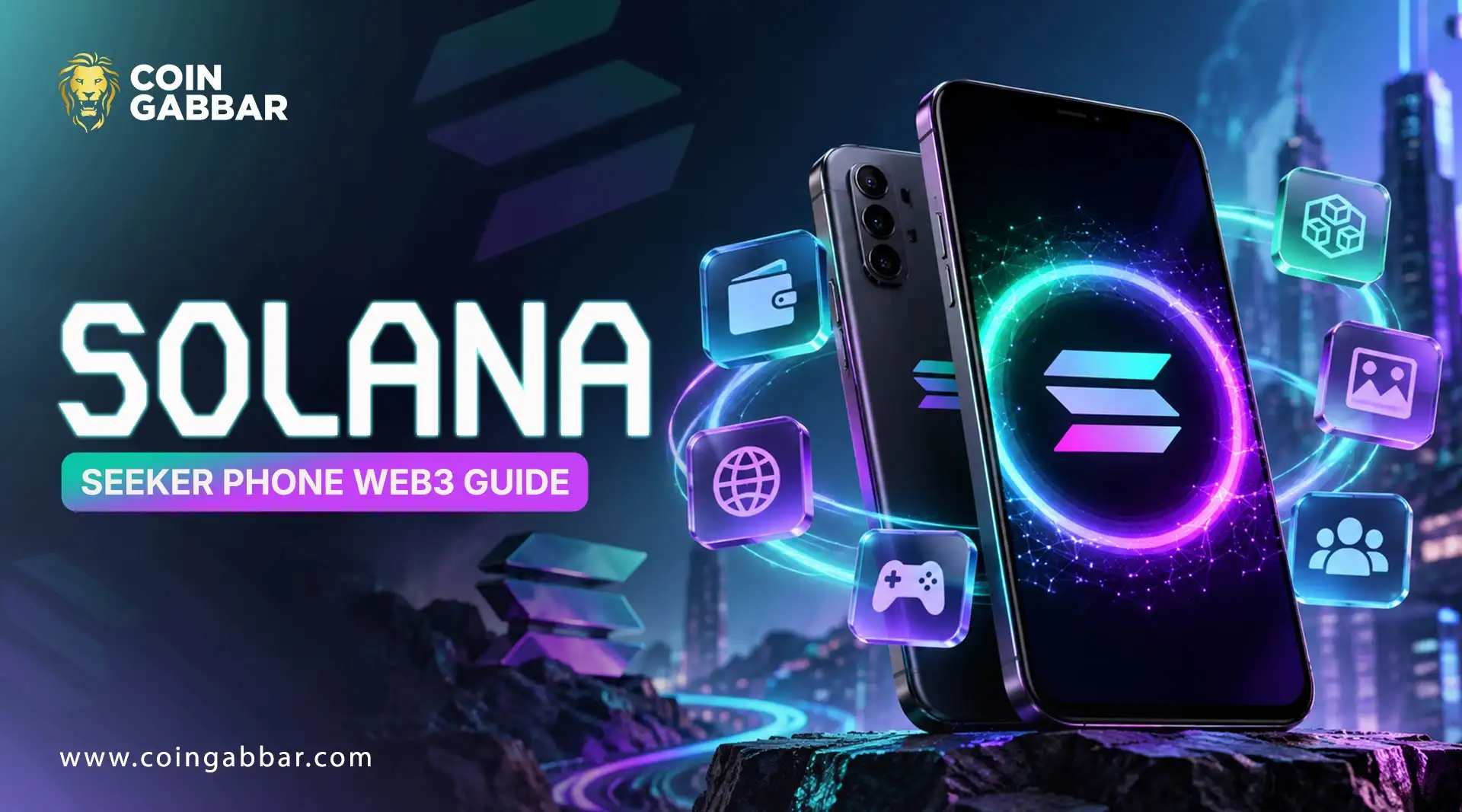
Seeker is Solana Mobile's flagship Android phone, built for crypto from day one. It follows the older Saga model. Most phones treat crypto as one more app. The Solana Seeker Phone builds it into the phone itself, with a wallet, a crypto app store, a Genesis Token, and a Skr identity name.
That fits the ideas in the Web3 basics beginner guide well, since the owner holds the keys and the apps run on the blockchain.
Solana Mobile says the keys never leave a protected part of the chip. This matters more as the network gets busier, with Solana network activity reaching record highs in recent reports.
How Does Solana Seeker Phone Integrate Web3 Into Android?
Web3 apps run on blockchains, not on one company's servers. Staking tools, like the ones in this crypto staking basics guide, are a good example. On a desktop, people reach them through browser extensions.
Phones have no such extensions, so Solana Mobile built another route into Android itself. Seed Vault runs as a system service, and wallet apps use it to sign. When another app needs a signature, it asks the wallet through Mobile Wallet Adapter, or MWA.
MWA is an open protocol that passes the request between apps on the same phone. Developers add it once, and it works with any wallet that supports it. The user picks which wallet to use.
How Does a Seed Vault Protect Crypto Keys on Seeker?
The seed vault is the key safe. It uses the secure execution environment, a protected area of the processor. Solana Mobile says keys and seed phrases never leave it.
Every signing needs approval by fingerprint or PIN. The Seed Vault docs explain the design.
How Does Seed Vault Wallet Handle Crypto Transactions?
Seed Vault Wallet is the wallet app that comes with the phone. The owner sets up the main wallet during first-time setup. When an app asks for a payment or a signature, the wallet shows the request on screen.
The owner checks it and confirms with a fingerprint. Solana Mobile's page also lists double-tap transactions.
Every prompt deserves a slow read, because a confirmed transaction cannot be reversed. Payments on keep growing, and this Solana stablecoin payments update notes a bank that lets USDC and USDT on Solana convert to dollars at any hour.
What Can Users Find in the Solana dApp Store?
The dApp Store is an app store for crypto apps, kept separate from the usual Android stores. Solana Mobile lists payments, DeFi, AI, DePIN (shared physical networks), NFTs, and gaming.
Many DeFi apps involve staking, a topic this Solana staking guide explains well.
How Does Seeker ID Connect Users With the Solana Ecosystem?
Seeker ID is the phone's on-chain identity. Every Seeker owner gets a .skr name, like alice.skr, that maps to a wallet address.
The name is minted once per device. It can move only between the owner's own wallet accounts.
What Is the Seeker Genesis Token, and How Does It Work?
The Seeker Genesis Token, or SGT, is an NFT, meaning a unique on-chain token. It proves verified Seeker ownership. It mints once per device into the main wallet.
The Genesis Token docs say it moves only between the owner's accounts. Apps can use it as an anti-sybil check, which means one reward claim per device, not per fake account. Mobile says it unlocks rewards, but each app decides its own.
How Can Users Connect Solana dApps to Seeker Wallet?
Open a supported app and tap Connect.
Pick Seed Vault Wallet from the list.
Approve the connection.
Approve each payment or signature with the fingerprint.
The Mobile Wallet Adapter docs call MWA an open protocol that also works with wallets like Phantom and Solflare.
What Hardware Features Does the Solana Seeker Phone Offer?
Part | Spec |
Chip | MediaTek Dimensity 7300, 5G |
Memor | 8 GB RAM, 128 GB storage |
Displays | 6.36-inch AMOLED, 120 Hz |
Battery | 4,500 mAh, wireless charging |
Security | Fingerprint on power button |
These come from the official Seeker page, which also lists Wi-Fi 6, Bluetooth 5.4, and dual SIM.
What Are the Main Benefits and Risks of Using Seeker?
Benefit: The keys stay in secure hardware, and each signing needs a fingerprint or PIN.
Benefit: The wallet, the app store, and the ID all come in one phone.
Risk: The chip is mid-range, so the phone is not aimed at power users.
Risk: The app ecosystem is still small next to the big mainstream stores.
Risk: If the phone is lost, the seed phrase backup is the only way back in.
Risk: Rewards can change, as the SKR token launch news shows.
Who Is the Solana Seeker Phone Designed For?
Crypto-active Android users who want key security and easy wallet links may find it a fit. Developers can test it too, and Solana Mobile's docs say any Android device works for testing.
People wanting a flagship camera or chip may look elsewhere. Many also follow the wider Solana market, which the latest Solana price prediction and the SOL long-term price forecast track.
Conclusion:
So what is the Solana Seeker Phone, really? It's an Android phone with a wallet, a crypto app store, and an on-chain ID all in one place. The standout part is Seed Vault, because the keys stay inside protected hardware. A few things are still open. Nobody can say yet how big the app store will get or how long the rewards will last.
Before buying, readers should check the specs, the price, and app support on the official pages. Fresh network and market news sits in Solana News today.
Disclaimer:
This article is only for learning and is not financial advice. Crypto is risky, and money can be lost. Specs and prices can change too, so check the official Solana Mobile pages first.
Also read: