What are Solana Actions? How Web3 Transactions and Blinks Work

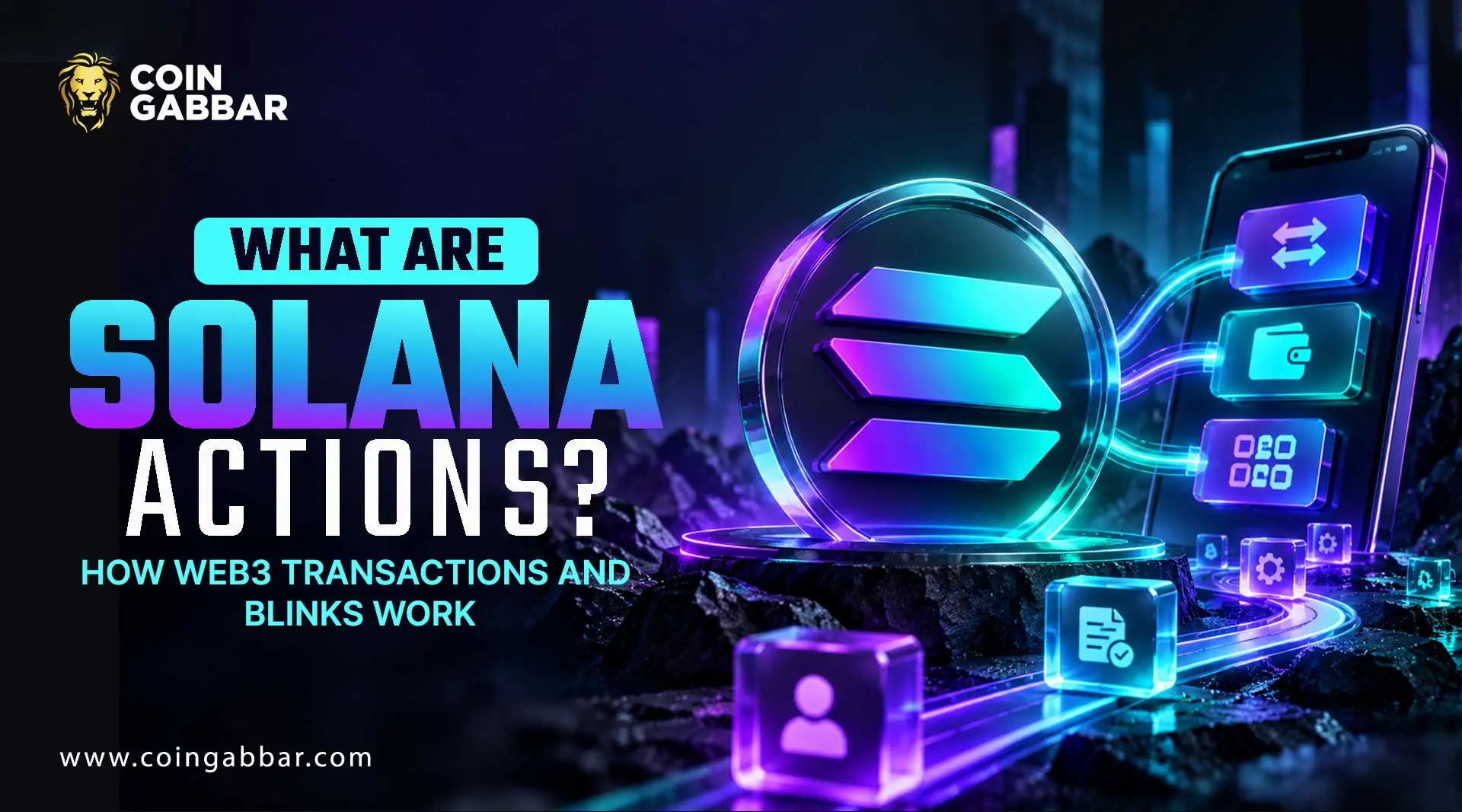
Solana Actions Explained: Building Web3 User Experiences
Using a crypto app can feel like a maze. Copy an address, open a wallet, switch tabs, and double-check everything. Solana Actions try to cut that maze down to a single link a person can click.
Solana Actions are standardized APIs that return a signable transaction. A wallet or app shows a preview, and the user approves it. Blinks are the shareable links built on top of Actions, so a payment or mint can start from a post, a button, or a QR code.
What Are Solana Actions?
According to the official Solana documentation, actions are specification-compliant APIs that return transactions to be previewed, signed, and sent. They work across contexts such as QR codes, buttons, widgets, and websites.
Status labels used below:
Confirmed: stated in official documentation
Reported: stated by secondary sources
Not verified: not checked for this article
Actions, Blinks, and actions.json
These three terms are often mixed up when people first learn about Solana Actions.
Term | What it is | |
Action | An API endpoint that returns a signable transaction | |
Blink | A link that a supported client turns into an interactive preview | |
actions.json | A file on a domain root that maps website URLs to Action URLs |
The docs give an example: a file at one domain can map a normal donation page to the API URL that hosts the matching action.
How the Flow Works
The Actions specification describes a simple request and response loop that every Solana Actions client follows.
GET request: the client asks the Action URL for metadata, such as a title, icon, and buttons
User choice: the person picks an option or fills in an input
POST request: the client sends the user's public key and receives a transaction
Signing: the wallet shows the transaction, and the user approves or rejects it
A secondary explainer says the transaction arrives base64-encoded and that actions can chain steps through a next link. In every case, the wallet makes the final signing step.
Why It Improves User Experience
The value of Solana Actions is less friction. A link can carry the whole request, so the person doesn't need to find a website first.
Fewer steps between interest and action
Works anywhere a link or QR code can appear
Developers use plain web tools instead of custom wallet code
The user still sees a preview before signing
How Developers Build Them
The docs point to the Solana actions package and example projects in the Solana developers repository. A basic build of Solana Actions involves:
Creating an endpoint that answers GET with metadata
Creating an endpoint that answers POST with a transaction
Adding the right cross-origin headers, which the spec requires
Publishing an actions.json file if website mapping is wanted
Since every transaction ends up calling on-chain code, it helps to understand the Solana program model first. Testing tools are mentioned in the docs, but their current state is not verified.
Solana Actions vs. Blinks
Solana Actions | Solana Blinks |
API/specification | Client/interface |
Generates transaction/message | Presents the interaction |
Developer infrastructure | User-facing interaction layer |
GET/POST endpoints | Detects and renders Actions |
Can work without a Blink | Uses Action data to create an interface |
A Practical Example of solana action
Imagine a small creator who wants tips. Instead of posting a wallet address, they share a Solana Actions link with three preset amounts.
A follower clicks, sees the amount and recipient in the wallet preview, and signs. This is a made-up scenario, not a real deployment.
For a related payments approach, see how Solana Pay works for businesses.
What the Evidence Shows
Claim | Source | |
Solana Actions return signable transactions | Official docs | |
Blink clients and wallets still facilitate signing | Official docs | |
Introduced in mid-2024 | Secondary explainer | |
Wide adoption by wallets and apps | checked |
Risks and Limitations
A link that starts a transaction is convenient, and that also makes it a target.
Malicious links can imitate trusted apps
Not every wallet or client renders blinks
A preview can still be misread in a hurry
Developers can make endpoint mistakes
Support depends on clients, which can change
The docs note that the protocol is permissionless, so anyone can publish an action. A working link isn't a safe link.
Safety Checks for Users
Read the amount, recipient, and program shown in the wallet
Open links only from sources you trust
Be careful with urgent or too-good-to-be-true offers
Reject anything you don't understand
Builders should keep Solana Actions narrow, use clear labels, and test on the devnet first. For wallet-level habits, see these Solana security best practices.
Conclusion
Solana Actions turn transactions into something closer to a normal web link, and that can make Web3 feel less intimidating.
The design keeps the user in control, but convenience raises the cost of carelessness. New to the network? Start with this guide on how to buy Solana.
And follow the latest Solana news for ecosystem updates. Readers should confirm current details about Solana Actions in the official documentation before building or signing.
Disclaimer: This article provides general educational information about Solana. It isn't financial, investment, legal, or tax advice and doesn't recommend buying, selling, or holding any asset. Crypto transactions carry risk, and losses are possible.








.webp)




