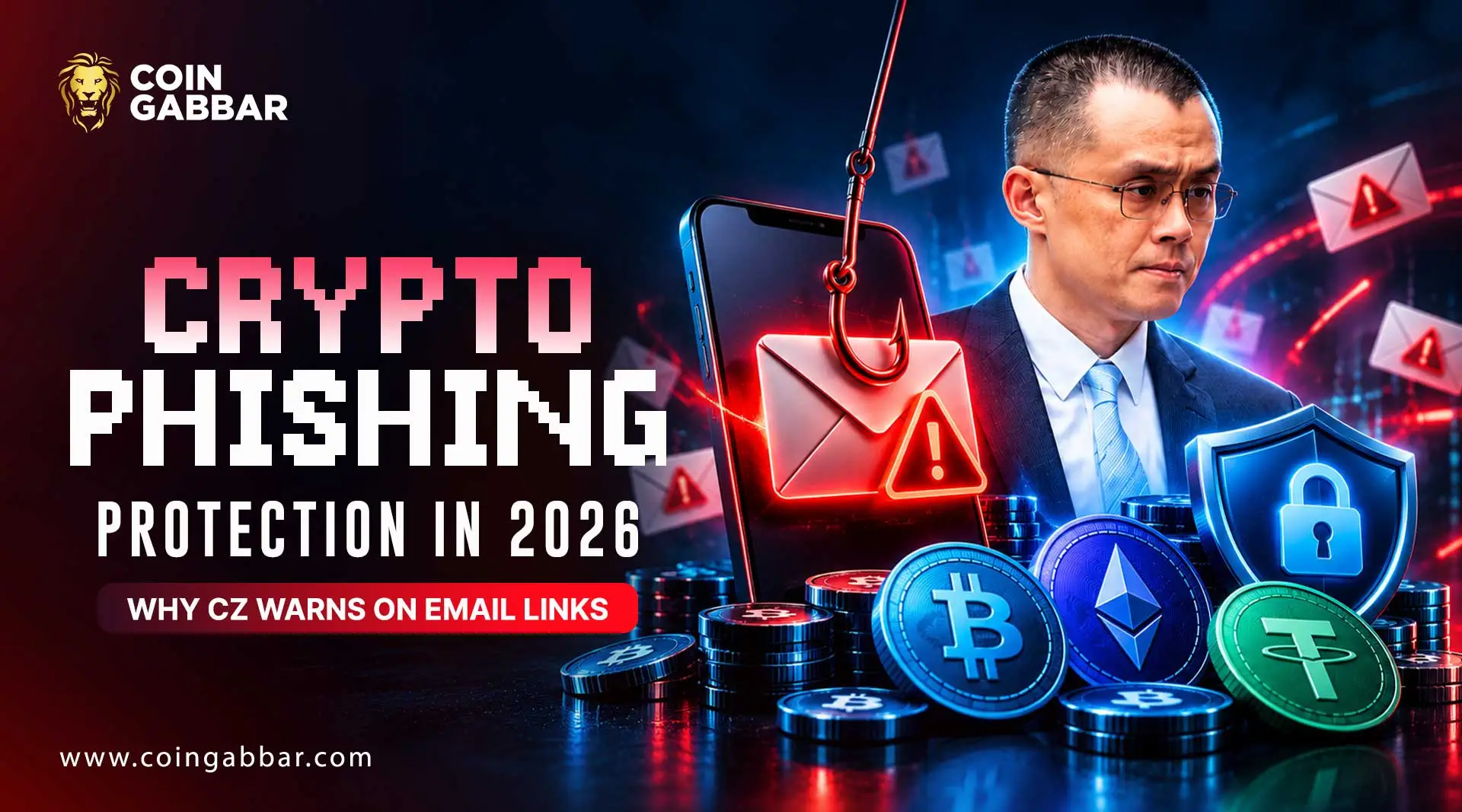
Crypto Phishing Protection in 2026: Why CZ Warns on Email Links

Would You Click a Link Sent by Your Closest Friend?
Would you click a link in an email from your closest friend? Most people would, without a second thought. That reflex is exactly what CZ wants crypto users to drop.
On 29 October 2026, the Binance founder posted on X telling users not to click email links or download attachments. His reasoning is simple. A trusted sender's computer may carry malware they don't know about.
The timing matters. Phishing campaigns are active, and new Telegram security reports are circulating. Strong crypto phishing protection now depends on one habit, not on spotting bad spelling.
Below, you'll find the main attack patterns, email rules that work, a damage-control plan, and a one-page family checklist.
Why Crypto Phishing Protection Matters Now: The 2026 Picture
Phishing needs no code-breaking. It tricks a person into handing over access, which is why crypto phishing protection starts with people, not software.
Days before his email warning, CZ argued that fears of AI cracking blockchain encryption are overblown. His point was that AI does more harm through leaked data, smarter phishing and social engineering. Scam messages that once gave themselves away with clumsy grammar can now read like a real colleague wrote them.
Email is the obvious door. A leaked exchange customer list tells an attacker who holds crypto. Then spear phishing, a message written for one specific person, becomes cheap to run.
The numbers show a shift, not a retreat. On-chain trackers counted roughly $494 million lost to wallet drainer phishing in 2024. In 2025 that fell to about $84 million, as wallets added warnings and transaction previews. Yet single losses stayed huge. One victim reportedly lost around $50 million in USDT after copying a lookalike address from their own history.
These tallies cover trackable on-chain activity only. Real losses may be higher.
Analyst view: Scammers seem to be trading volume for precision. Fewer mass campaigns, more hand-picked targets. That is why generic advice like "check for typos" no longer counts as real crypto phishing protection.
The Five Phishing Patterns Working Right Now
Each pattern below tests your crypto phishing protection in a different way.
Pattern | How it reaches you | What it wants |
Exchange impersonation | Fake security alert or withdrawal notice | Your login and 2FA code |
Wallet drainer site | Ad, post or link asking you to connect a wallet | A signature or token approval |
Address poisoning | Tiny transfer from a lookalike address | You copying that address later |
Trusted-contact hijack | Message from a real friend's hacked account | A click, a download or a fake meeting install |
Fake support or bot | "Agent" DM or copycat trading bot | Your seed phrase or wallet access |
Exchange impersonation. Attackers copy logos and layouts perfectly. The display name says "Binance", but the sender address doesn't match. Crypto email scams like these lean on urgency, such as "Your account will be frozen."
Wallet drainers. A wallet drainer is a malicious site or contract built to empty your wallet. How do wallet drainers work? You connect, then sign a message that looks harmless. That signature can give the attacker permission to move your tokens. Drainer kits are rented out for a commission, so lookalike sites appear in bulk.
Address poisoning. This one needs no signature at all. The attacker sends a dust transfer from an address matching the first and last characters of one you've used. Later you copy it from your history. Never copy addresses from history.
Trusted-contact hijacks. Researchers link North Korea-based operators to campaigns that take over real contacts' accounts. The victims, often crypto professionals, get invited to fake video meetings that install malware. This is the exact risk behind CZ's warning.
Fake support. Real support never asks for your password, 2FA code or seed phrase. Anyone who does is a scammer. Spotting that is basic crypto phishing protection.
Email Rules for Crypto Phishing Protection That Work
No rule is perfect. But a few simple crypto phishing protection rules cut most of the risk. If you wonder how to spot a crypto phishing email, start with these.
Never click. The best crypto phishing protection is opening your exchange app or a bookmark you saved yourself.
Skip attachments. Password-protected ZIP files are a classic trick, because the lock stops scanners from checking what's inside.
Set your anti-phishing code. Binance says genuine emails carry the personal code you choose. No code means don't trust it. Check whether your own exchange offers the same feature.
Verify with official tools. Binance runs a checker for emails, links and contacts.
Use a separate email address only for exchanges, as CZ has advised. A leak then reveals less about you.
Read the real sender address. Look for swapped letters, like an "i" turned into an "l".
Treat urgency as a warning. Pressure is the scammer's main tool.
Strong crypto phishing protection on email comes down to one question. Did I open this myself, or did someone hand it to me?
Messaging Apps and Crypto Phishing Protection: The Telegram Lesson
Two Telegram reports surfaced in recent weeks. They differ in how solid the evidence is.
The first is a Telegram Desktop flaw in versions before 7.2.9. A researcher showed that a crafted link could trigger hidden commands and expose local session files. That could allow account takeover if no local passcode was set. Telegram says its app shows the full link and asks users to confirm first. Coverage reviewed so far reports no confirmed attacks, and the fix is already out.
The second is newer. Researchers at a security conference in Tokyo demonstrated a zero-click flaw in the sticker feature that ran code on iOS. Zero-click means the victim doesn't have to tap anything. Telegram disputes the severity, and the disclosure didn't say whether a fix exists.
The lesson isn't "Telegram is unsafe." It's that your chat app is now a second inbox, and it holds more crypto chatter than your email does. Apply the same crypto phishing protection rules there.
Update the app as soon as patches land.
Set a local passcode.
Limit who can add you to groups.
Turn off automatic downloads.
Keep seed phrase photos off every chat device.
Fund trading bots from a small, separate wallet. One late-October bot incident has conflicting reports on its cause, so treat the details as unconfirmed.
If You Already Clicked: Your Crypto Phishing Protection Playbook
What to do if you clicked a phishing link? Speed beats perfection. This crypto phishing protection playbook works best in order, from a clean device if you can.
Stop. Don't type anything else and don't reply to the sender.
Only opened the page? Close it and scan your device. Change key passwords as a precaution.
Typed a password? Change your email password first, since email resets everything else. Then reset the exchange login, sign out of all sessions and review API keys.
Connected a wallet or signed something? Revoke token approvals through your wallet's approvals tool right away. Then move assets to a fresh wallet.
Entered a seed phrase? Treat it as burned. Move everything to a new wallet with a new phrase, highest-value assets first.
Opened an attachment? Assume the device is compromised. Move funds only from a different, clean device. Then wipe the infected one.
Report it. Contact your exchange through its app and your national cybercrime portal. Save transaction hashes, URLs and the original email.
Recovery isn't guaranteed, which is why prevention is the core of crypto phishing protection. Reporting still helps, because platforms can flag the scam addresses for other users.
Tools That Strengthen Crypto Phishing Protection
Tools help most when they back up a good habit. No tool replaces the habits behind crypto phishing protection.
Hardware wallet. It keeps your keys offline. Check every transaction on the device's own screen.
Hardware security key or passkey. These log in only on the real website, so a fake page gets nothing.
Password manager. It won't autofill on a lookalike domain. That silence is a warning.
Withdrawal allowlist and time lock. Funds can only leave to pre-approved addresses, and new ones wait.
Wallet transaction previews. Good wallets now add crypto phishing protection by warning about risky approvals and mismatched addresses.
Separate hot wallet. Keep a small balance for daily use and the rest in cold storage.
One caution. A hardware wallet can't save you from a malicious approval you sign yourself.
A One-Page Family Checklist for Crypto Phishing Protection
Print this checklist. Stick it near the computer. Share it with parents and relatives who hold crypto.
Every day
I don't click links in emails or messages.
I open exchanges through my app or saved bookmark.
I don't open attachments I didn't ask for.
I don't copy addresses from transaction history.
I never share my seed phrase, password or 2FA code. With anyone.
Set up once
Anti-phishing code is on.
SMS 2FA is replaced with a key or authenticator.
Withdrawal allowlist is on.
Exchanges use a separate email address.
Apps and devices are on auto-update.
Telegram has a local passcode.
If something feels off
I stop and don't reply.
I check the message through the official app.
I tell someone before I act.
The Bottom Line: Crypto Phishing Protection Starts With One Habit
CZ's advice sounds blunt. Never act from a link is the simplest crypto phishing protection rule there is. It also holds up across every pattern above. Whether the link arrives by email, DM, ad or QR code, don't act from it. Go to the source yourself.
The Telegram reports are still partly unsettled, so keep your crypto phishing protection habits tight. The iOS flaw's reach and fix status remain unclear. Meanwhile, you control your own crypto phishing protection. Good crypto phishing protection is mostly habit. Turn on the codes, update your apps and print the checklist.
Disclaimer: This article is for information only and isn't financial or security advice. Crypto carries a high risk of loss, and no safeguard is guaranteed. Information reflects reports available on 29 October 2026, so check official sources before acting.